
Gluteal Amnesia and Back Pain
Your glutes have forgotten how to work. It sounds strange,

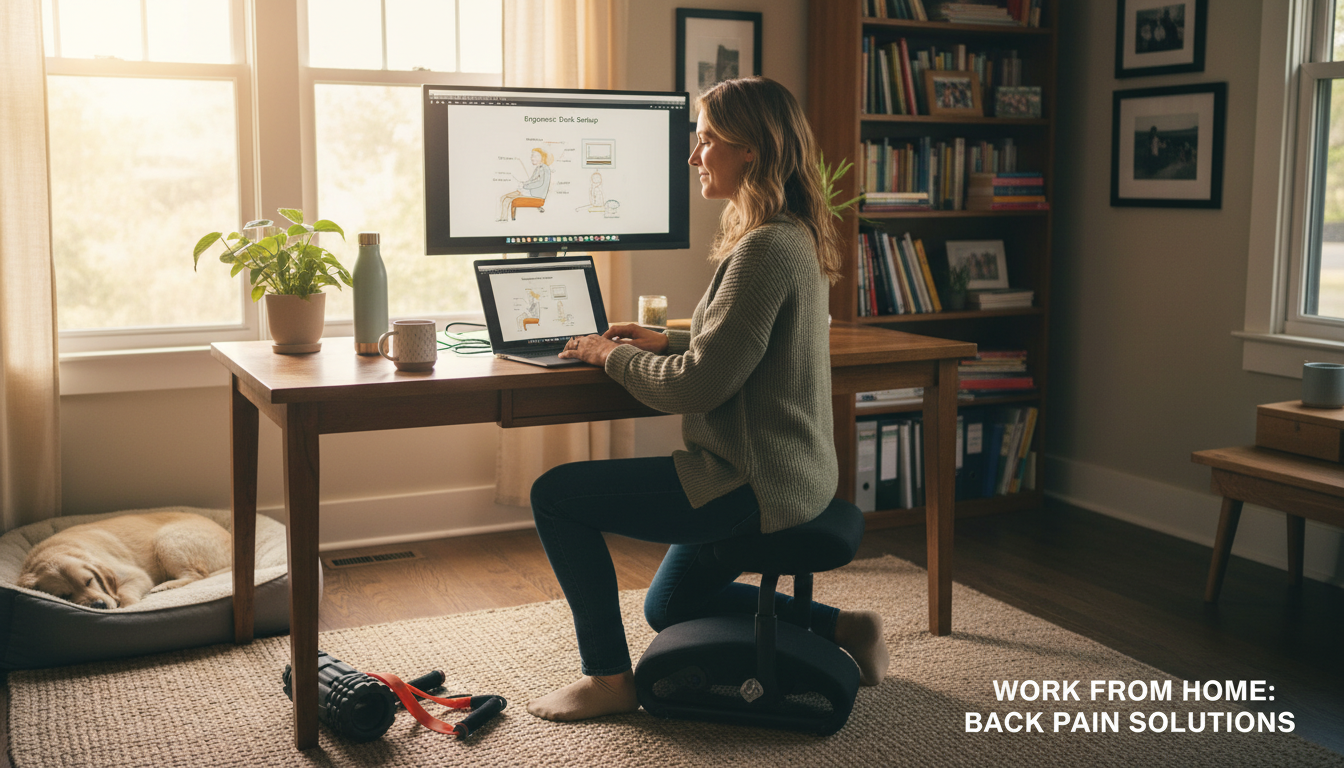
Working from home was supposed to be more comfortable. So why does your back hurt worse than ever?
📋 Table of Contents
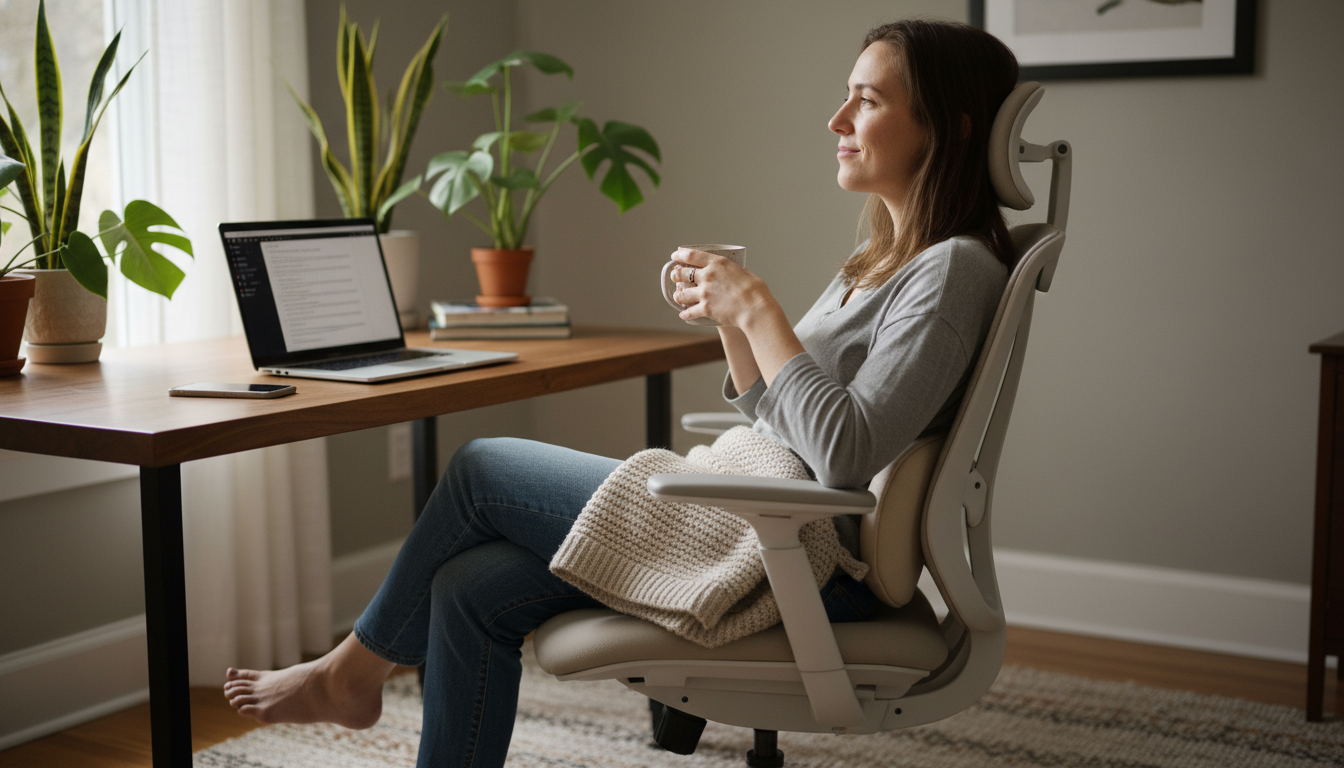
In an office, you naturally move more—walking to meetings, to the printer, to colleagues’ desks. At home, everything is within reach. This lack of movement is terrible for your back.
Build movement into your day:
Set reminders to check your posture throughout the day:
Do this check at the top of every hour until it becomes automatic.
Counteract your day of sitting with these stretches:
Not everyone has space for a dedicated home office. Here’s how to make temporary workspaces work:
Kitchen/dining table:
Counter height surfaces:
We know you’re going to work from the couch sometimes. Here’s how to minimize damage:
If you work in different spots around your home, create a portable kit:
This lets you set up an acceptable workspace anywhere in your home.
Frame it as a productivity and health investment. Point out: reduced sick days from back pain, improved focus and output, and potential workers’ comp issues from inadequate setups. Many companies have WFH stipends—ask your HR department. If they won’t pay for a chair, they might pay for accessories like lumbar support.
If you work from home regularly (even a few days per week), yes. Consider: you spend 8+ hours a day at your workspace. That’s more time than you spend in bed. A $50-100 investment in proper support can prevent thousands in medical costs and lost productivity from back pain.
Consider: a folding desk that stores when not in use, a wall-mounted fold-down desk, using a dining table with proper ergonomic accessories, or a standing desk converter that sits on any surface. The key is adding proper support (lumbar pillow, laptop stand) to whatever surface you use.
It depends on what you do. If you continue with the same setup and habits, it will likely get worse. If you address the root causes (poor support, bad posture, lack of movement), most people see improvement within 2-4 weeks. Start with the lowest-cost interventions—adding lumbar support often makes an immediate difference.
See a doctor if: pain is severe or worsening despite ergonomic improvements, you have numbness/tingling/weakness, pain radiates down your leg, or it’s been more than 4 weeks without improvement. For general discomfort from poor setup, fixing your ergonomics is usually the solution.
Work from anywhere without the pain.
Our lumbar pillow transforms any chair into an ergonomic workspace. Kitchen table, dining chair, even the couch—get the support you need wherever you work from home.
30-Day Money-Back Guarantee | 2-Year Warranty | Free Shipping
Your glutes have forgotten how to work. It sounds strange,
Your hip flexors are the hidden culprits of desk-job back
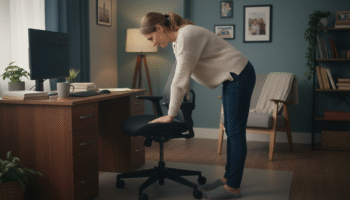
Your back is stiff, tight, and angry. And you’ve got

That nagging pain at the base of your spine—right where
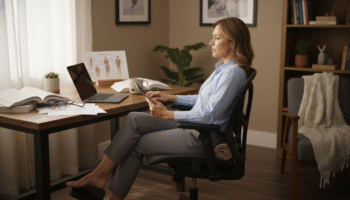
Sitting with a herniated disc can feel like torture. Every
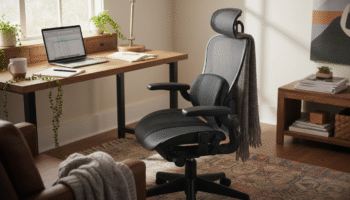
Your desk chair is failing you. Even if you paid

That deep ache in your buttock that won’t quit? The

You’ve blamed your chair for years. And you’re probably right—but
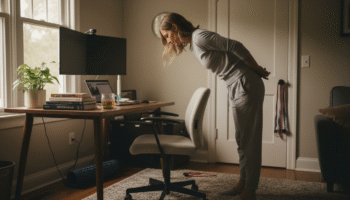
Your back is aching right now, isn’t it? That dull
Is your lower back screaming at you by 3 PM?