

Gluteal Amnesia and Back Pain
Your glutes have forgotten how to work. It sounds strange,


You’ve blamed your chair for years. And you’re probably right—but maybe not for the reason you think.
📋 Table of Contents
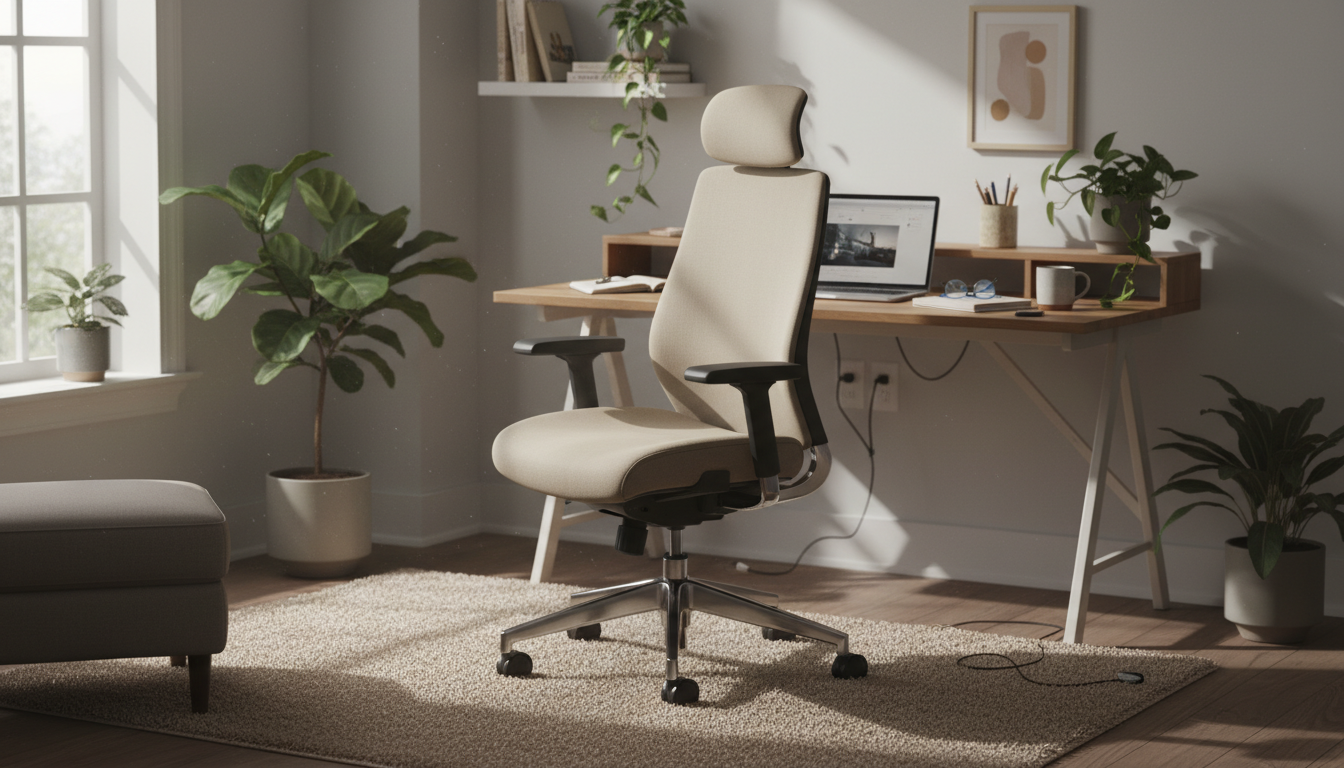
Here’s the uncomfortable truth: even a $1,500 ergonomic chair can leave you with back pain if it’s not set up correctly or lacks proper lumbar support. Meanwhile, a basic office chair paired with the right support can feel better than premium alternatives.
This guide cuts through the marketing noise. You’ll learn what actually matters in an office chair for back pain, how to maximize whatever chair you have, and why external lumbar support often outperforms built-in features.
Office chair manufacturers love to advertise “lumbar support,” but there’s a catch:
Result? People sit in expensive ergonomic chairs with back pain because the lumbar support doesn’t actually support their lumbar spine.
When you sit in most chairs, there’s a gap between your lower back and the backrest. Your spine can either:
The solution isn’t a different chair shape—it’s filling that gap with proper support.
Your back pain isn’t about finding a “perfect chair.” It’s about maintaining your spine’s natural curves while sitting. A basic chair + excellent lumbar support often beats an expensive chair with inadequate support.
If you’re shopping for a new chair or evaluating your current one, focus on these features:
Why it matters: Proper seat height keeps hips level with or above knees, which opens your hip angle and reduces lumbar flexion.
What to look for:
Why it matters: A seat that’s too deep forces you to slouch forward or cuts into the back of your knees.
What to look for:
Why it matters: Slight recline (100-110 degrees) reduces disc pressure by 20-30% compared to sitting bolt upright.
What to look for:
Why it matters: This is the single biggest factor in whether a chair helps or hurts your back.
What to look for:
Why it matters: Proper arm support reduces shoulder strain that contributes to back pain.
What to look for:
| Price Range | Typical Features | Back Pain Reality |
|---|---|---|
| Under $200 | Basic height adjust, fixed lumbar, limited recline | Works fine with external lumbar support added |
| $200-$500 | Better adjustability, some lumbar adjustment, decent materials | Built-in lumbar often insufficient; external support still helps |
| $500-$1,000 | Good adjustability, quality materials, better lumbar options | May work alone, but external support can still improve comfort |
| $1,000+ | Full adjustability, premium materials, advanced lumbar | Usually good, but still depends on fit to your body |
The insight: You don’t need to spend $1,000+ to sit comfortably. A $200-400 chair with quality external lumbar support often outperforms premium chairs with inadequate built-in lumbar.
External lumbar pillows aren’t locked into a fixed position like built-in support. You can place them exactly where YOUR spine needs support—not where the chair designer guessed.
Memory foam lumbar pillows conform to your specific curve. Built-in lumbar offers the same depth for everyone, which works for some and fails for others.
Your external lumbar support travels with you—to your car, home office, or airplane seat. Built-in support stays with one chair.
Rather than replacing your entire chair, quality lumbar support can transform a mediocre chair into excellent back support for a fraction of the cost.
Transform Your Chair Today
Don’t spend $1,000 on a new chair. Our AirFlex™ memory foam lumbar pillow provides the support most office chairs lack—at a fraction of the price.
Fits Any Chair | 30-Day Trial | 2-Year Warranty
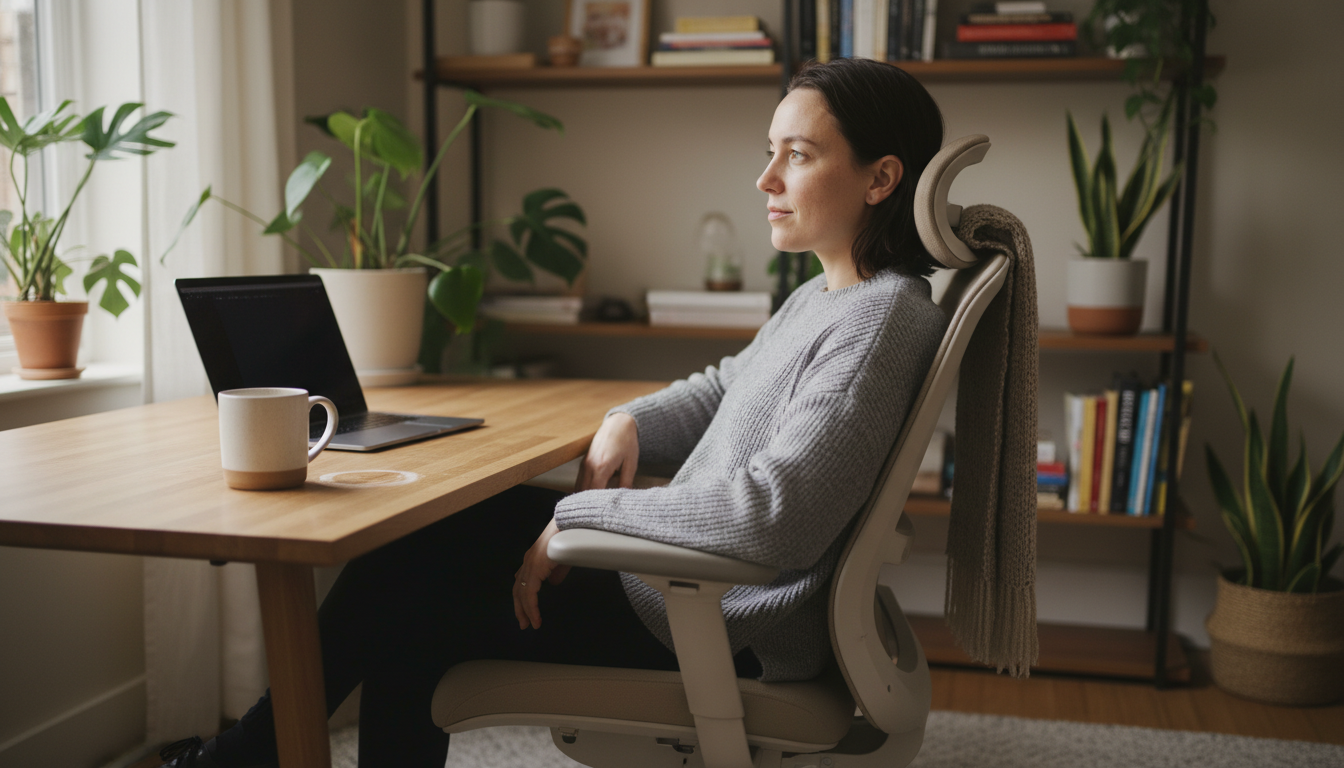
Before buying a new chair, try these setup adjustments:
External support and proper setup solve most chair-related back pain. But sometimes you need a new chair:
Solid basic ergonomics. Height and recline adjustment, decent seat foam. Pair with external lumbar support for best results.
Good adjustability including seat depth and lumbar. Worth trying before adding external support.
Excellent overall adjustability and materials. LiveBack technology adapts to movement. May not need external support.
Industry-leading designs. Aeron’s PostureFit or Embody’s backfit work well for many. Still, some users prefer adding external lumbar.
An office chair with adjustable height, seat depth, backrest recline, and either effective built-in lumbar support or the ability to accommodate external lumbar support. The specific brand matters less than these functional features and proper setup.
Sometimes, but not always. A $300 chair with quality lumbar support can outperform a $1,500 chair with poor lumbar fit. The key is matching the chair’s features to your body and needs—not just spending more money.
Both can work well. Mesh offers better breathability but less cushioning. Foam provides more padding but can retain heat. For lumbar support specifically, what matters is the support structure behind the mesh or foam—not the surface material.
Only if you frequently recline while working. For standard desk work, headrests often go unused and can actually promote forward head posture if improperly positioned. They’re more useful for reclined tasks like reading or thinking.
A properly fitted chair reduces back pain but rarely “cures” it alone. Most back pain requires multiple interventions: proper support, regular movement, strengthening exercises, and addressing other factors like sleep position and stress.
Quality office chairs should last 7-10 years with daily use. Budget chairs may degrade in 2-3 years. When foam flattens or mechanisms wear out, support diminishes even if the chair looks fine.
Finding the right office chair for lower back pain isn’t about finding the most expensive option—it’s about ensuring proper lumbar support and adjustability.
Your action plan:
Most people find that steps 1 and 2 solve their pain without buying a new chair. But if you do need a new chair, prioritize adjustability and lumbar support over brand names and price tags.
Get the Lumbar Support Your Chair Doesn’t Have
Our ergonomic lumbar pillow fills the gap between your back and any chair—office, home, or car.
30-Day Money-Back Guarantee | 2-Year Warranty | Free Shipping
Your glutes have forgotten how to work. It sounds strange,
Your hip flexors are the hidden culprits of desk-job back
Your back is stiff, tight, and angry. And you’ve got

That nagging pain at the base of your spine—right where
Sitting with a herniated disc can feel like torture. Every
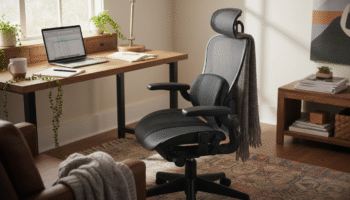
Your desk chair is failing you. Even if you paid
That deep ache in your buttock that won’t quit? The
Your back is aching right now, isn’t it? That dull

Is your lower back screaming at you by 3 PM?
Most lumbar pillows end up in closets within weeks. Not