
Gluteal Amnesia and Back Pain
Your glutes have forgotten how to work. It sounds strange,
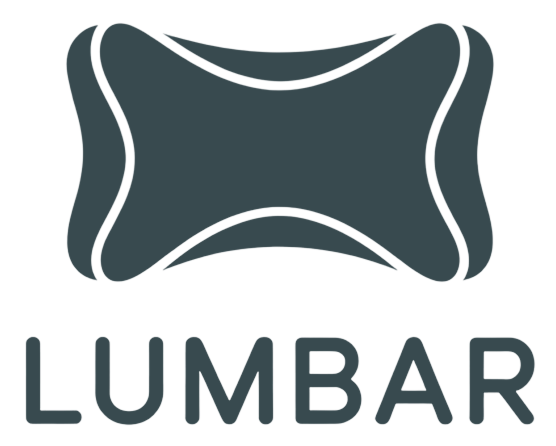
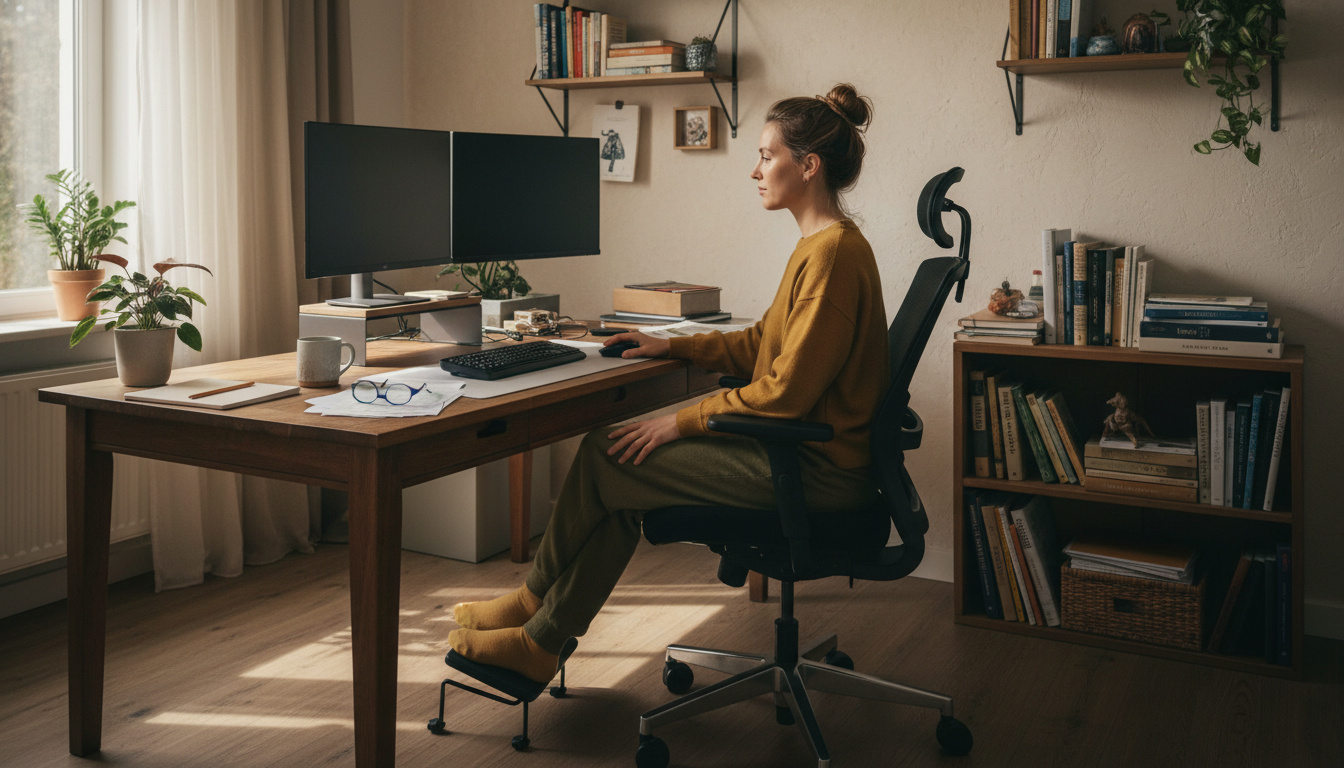
Not all “ergonomic” chairs are created equal. That label gets slapped on everything from $99 Amazon specials to $1,500 premium models. But what actually matters for preventing back pain? Which features are essential, which are nice-to-have, and which are marketing fluff?
📋 Table of Contents
Marketing overemphasis:
Unregulated marketing term:
Borrowed from cars, often counterproductive:
Nice-to-have, not essential:
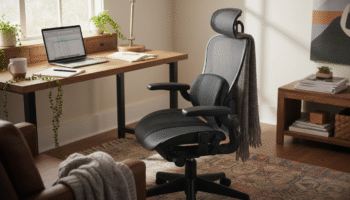
Adjustable lumbar support. Your lumbar curve is unique—support must position correctly for your body. Fixed or inadequate lumbar support is the primary failure of most office chairs, even expensive ones. A chair with good lumbar adjustment can prevent back pain; a chair without it, regardless of other features, often causes it.
Not necessarily. Price reflects features, materials, and brand, but doesn’t guarantee fit for your body. A $400 chair that fits you properly beats a $1,200 chair that doesn’t. Focus on the features you need (especially lumbar adjustment), and test before buying. Many mid-range chairs work excellently with an aftermarket lumbar pillow.
Key signs: Pain develops or worsens during sitting and improves after getting up; you constantly shift trying to get comfortable; you feel relief when you leave your chair. Test this by using different seating for a few days. If pain improves away from your office chair, the chair is likely a factor.
To some extent, yes. A quality lumbar pillow addresses the biggest deficiency of budget chairs. A seat cushion can improve inadequate padding. A footrest fixes height issues. However, you can’t fix fundamental structural problems like an uncomfortable seat shape or poor backrest angle. Accessories are supplements, not complete solutions.
Only if it’s adjustable. A poorly positioned headrest pushes your head forward, creating neck and upper back strain. If you spend significant time reclined or on video calls, an adjustable headrest can be helpful. For standard desk work in an upright position, a headrest is unnecessary and can cause problems if fixed.
When choosing a chair for back pain prevention, prioritize these features:
The best chair is one that fits YOUR body and allows YOU to maintain proper posture throughout the day.
Upgrade Your Chair’s Lumbar Support
Even the best chairs often have inadequate lumbar support. Our ergonomic lumbar pillow provides the adjustability and firmness most built-in support lacks.
30-Day Money-Back Guarantee | 2-Year Warranty | Free Shipping
Your glutes have forgotten how to work. It sounds strange,
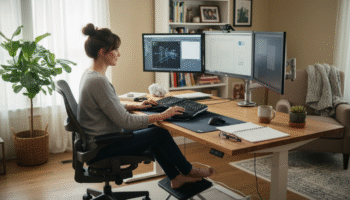
Your hip flexors are the hidden culprits of desk-job back
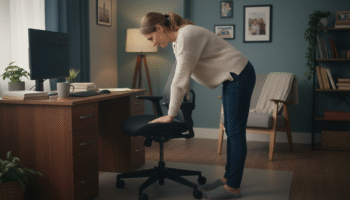
Your back is stiff, tight, and angry. And you’ve got
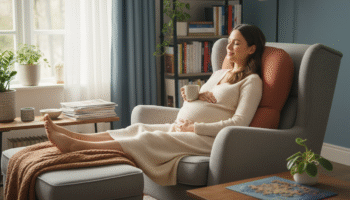
That nagging pain at the base of your spine—right where
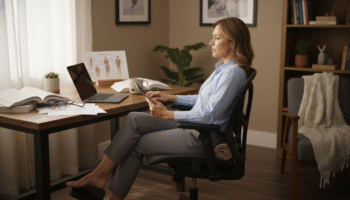
Sitting with a herniated disc can feel like torture. Every
Your desk chair is failing you. Even if you paid
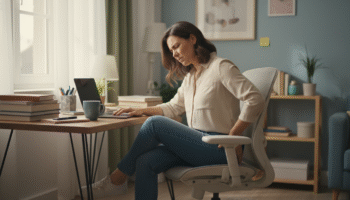
That deep ache in your buttock that won’t quit? The

You’ve blamed your chair for years. And you’re probably right—but
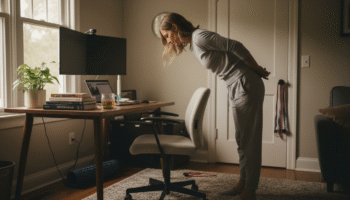
Your back is aching right now, isn’t it? That dull
Is your lower back screaming at you by 3 PM?