
Gluteal Amnesia and Back Pain
Your glutes have forgotten how to work. It sounds strange,

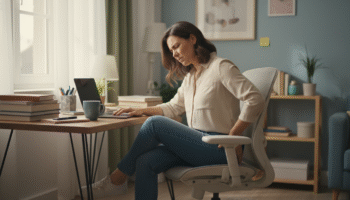
Your lower back hurts when you sit. And it’s getting worse.
📋 Table of Contents
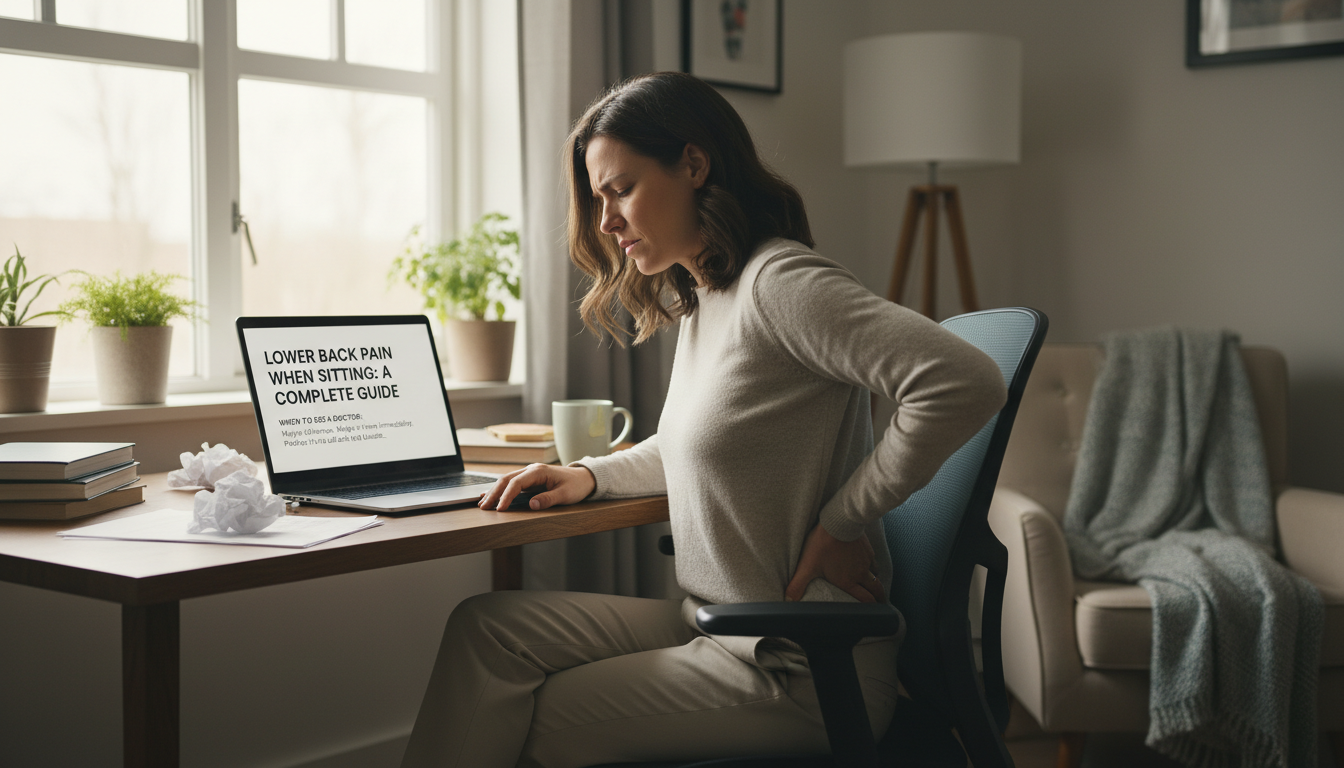
Maybe it starts after 30 minutes. Maybe it’s there immediately. Perhaps it’s a dull ache that builds throughout the day, or a sharp pain that makes you shift constantly in your chair. Either way, you’ve joined the 80% of office workers who experience sitting-related back pain.
This guide explains exactly why sitting causes lower back pain, the specific mechanisms involved, and proven solutions that actually work—not generic advice, but actionable strategies backed by research and clinical experience.
Your lumbar spine evolved for walking, standing, squatting, and lying down. It did not evolve for sitting in chairs for 8+ hours daily. When you sit—especially in modern office chairs—several things happen that stress your lower back:
1. Disc Pressure Increases
Research by Swedish orthopedist Alf Nachemson showed that sitting increases pressure on your lumbar discs by 40-90% compared to standing. Sitting with poor posture (slouching) increases that pressure by up to 185% compared to standing.
| Position | Disc Pressure (relative) |
|---|---|
| Lying down | 25% |
| Standing | 100% |
| Sitting upright | 140% |
| Sitting slouched | 185% |
| Sitting forward/bent | 275% |
2. Your Pelvis Tilts Backward
When you sit, your pelvis naturally wants to roll backward (posterior pelvic tilt). This flattens the natural curve in your lower back—the lordosis that helps distribute forces evenly across your spine. Without this curve, load concentrates on the front of your discs and the back of your vertebrae.
3. Muscles Shut Down and Tighten
Prolonged sitting creates a double problem:
This muscle imbalance pulls your pelvis further out of alignment and reduces support for your spine.
4. Ligaments and Fascia Creep
Your spinal ligaments and connective tissue (fascia) gradually stretch and deform under sustained load—a process called “creep.” After extended sitting, these structures temporarily lose their ability to stabilize your spine, which is why standing up after sitting feels stiff and uncomfortable.
Not all sitting-related back pain is the same. Understanding your pain type helps identify solutions:
Muscular Pain:
Discogenic Pain:
Facet Joint Pain:
SI Joint Pain:
The most common and fixable cause. Without lumbar support, your lower back flattens, increasing disc pressure and straining muscles. Most office chairs provide inadequate or poorly-positioned support.
The fix: Add external lumbar support that fills the gap between your lower back and the chair. This maintains your natural spinal curve and distributes forces properly.
Orthopedic solution: The LumbarPillow Orthopedic Support fills the critical gap most chairs miss. AirFlex™ memory foam conforms to your individual spinal curve, providing personalized support that maintains proper alignment throughout long workdays. Unlike generic pillows, it doesn’t flatten under sustained use.
Even with good lumbar support, posture matters. Common posture problems:
The fix: Sit back in your chair, use your lumbar support, keep feet flat on floor, and maintain ears over shoulders over hips.
Static loading is worse than dynamic loading. Staying in one position—even a “good” position—causes cumulative tissue stress. Studies show symptoms intensify after approximately 20 minutes of continuous sitting.
The fix: Follow the 20-minute rule. Stand or move briefly every 20 minutes. This doesn’t require leaving your desk—simply standing, shifting position, or doing a quick stretch is enough.
Your workstation setup affects spinal loading:
The fix: Adjust chair so thighs are parallel to floor (or slightly declined), feet flat, monitor at eye level, keyboard close enough to keep elbows at 90 degrees.
Your core muscles (transverse abdominis, multifidus, internal obliques) provide dynamic stability for your spine. When these are weak—common after years of sedentary work—your spine relies more heavily on passive structures (discs, ligaments), which aren’t designed for primary support.
The fix: Progressive core strengthening exercises. Start with basic activation exercises, progress to stability work. Consistency matters more than intensity.
Your hip flexors (psoas, iliacus) connect your lumbar spine to your thigh. When chronically shortened from sitting, they pull your lower back into excessive lordosis when standing, and contribute to a flexed, unstable position when sitting.
The fix: Regular hip flexor stretching. Stand up and perform a lunge stretch every few hours. Consider spending time in positions other than sitting (standing, kneeling, squatting).
Sometimes sitting-related pain indicates underlying conditions that sitting aggravates:
The fix: If your pain is severe, progressive, or accompanied by leg symptoms, numbness, or weakness, consult a healthcare provider for proper diagnosis.
Lumbar support (essential):
Position a quality lumbar support at the hollow of your lower back—typically at or slightly below belt level. The support should be firm enough to maintain shape but contoured enough to match your natural curve.
What to look for:
Seat cushion (helpful):
A quality seat cushion distributes pressure and can help maintain proper pelvic position. Look for:
Height: Feet flat on floor, thighs parallel to ground or slightly declined (knees at or slightly below hip level).
Depth: 2-4 finger widths between seat edge and back of knees. Prevents circulation restriction and allows proper pelvis positioning.
Recline: Slight recline (100-110 degrees) can reduce disc pressure compared to 90-degree upright sitting.
Armrests: Should support forearms without elevating shoulders. Remove them if they don’t adjust properly.
Monitor:
Keyboard and mouse:
Documents:
Every 20-30 minutes:
Total time: less than 2 minutes. Impact: dramatic reduction in cumulative tissue stress.
Quick standing stretches:
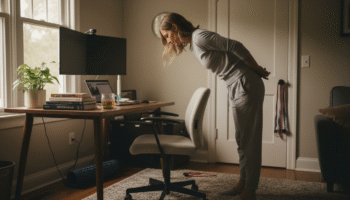
Standing extension: Place hands on lower back, gently arch backward, hold 5-10 seconds. Counteracts flexed sitting position.
Hip flexor stretch: Step one foot back into lunge position, tuck pelvis under, lean forward. Hold 20-30 seconds each side.
Figure-4 stretch: Place one ankle on opposite knee, gently sit back. Stretches piriformis and hip external rotators.
Long-term pain prevention requires building the muscle support system your spine needs:
Core activation exercises:
Hip and glute exercises:
Frequency: 3-4 times per week, 15-20 minutes per session. Consistency over intensity.
Primary challenges: Extended duration, limited control over environment, meeting constraints.
Essential equipment:
Strategy: Alternate sitting and standing every 30-60 minutes if possible. If standing isn’t an option, prioritize movement breaks and lunch walks.
Primary challenges: Suboptimal furniture, fewer natural movement triggers, distraction-related poor posture.
Essential equipment:
Strategy: Don’t work from the couch or bed. Create boundaries between “work sitting” (proper posture) and “relaxation sitting.”
Primary challenges: Fixed position, road vibration, inability to stand during use.
Essential equipment:
Strategy: Stop every 30-45 minutes on long drives. Adjust seat closer to reduce leg extension for pedals. Use lumbar support consistently.
Primary challenges: Cramped space, poor seat design, extended duration.
Essential equipment:
Strategy: Get up and walk every 30 minutes. Do seated stretches. Use lumbar support from takeoff to landing.
Primary challenges: Focused attention leads to posture neglect, soft furniture, extended sessions.
Essential equipment:
Strategy: Apply the same ergonomic principles as work. Set timer between gaming sessions. Standing or stretching between matches/episodes.
“Sit up straight” without support: Muscling yourself into good posture without support is exhausting and unsustainable. You’ll fatigue within minutes and slump. Good posture should be supported, not forced.
Expensive ergonomic chairs alone: A $1,500 chair with poor posture and no movement breaks won’t solve the problem. A $50 chair with good lumbar support, proper setup, and regular movement often works better.
Stretching only: Flexibility work helps but doesn’t address the fundamental issue of sustained static loading. You need both stretching AND movement breaks AND proper support.
Complete avoidance of sitting: Standing all day creates different problems (leg fatigue, varicose veins, joint stress). The solution is variation—mixing sitting, standing, and movement—not eliminating any single position.
Lumbar support + movement breaks: This combination addresses both the positional problem (support) and the duration problem (breaks). It’s simple, low-cost, and immediately effective.
Progressive strengthening: Building core and hip strength provides long-term protection. It takes months to see full benefits, but it addresses root causes rather than just symptoms.
Position variation: Alternating between sitting, standing, and moving throughout the day. No single position is harmful—staying in any position too long is the problem.
Consistent application: Using your lumbar support every time you sit, taking breaks every session, doing exercises regularly. Inconsistent application yields inconsistent results.
Seek immediate medical attention for:
These may indicate cauda equina syndrome—a surgical emergency.
Sitting increases disc pressure, flattens your lumbar curve, and keeps your hip flexors in shortened position—all of which stress your lower back specifically. Standing and walking naturally maintain your spinal curve, engage stabilizing muscles, and vary loading patterns. The combination of increased pressure and loss of natural support creates pain that’s specific to sitting.
Sit with your back against the chair, lumbar support at your lower back curve, feet flat on floor, knees at or slightly below hip level. Maintain your natural spinal curve rather than slouching or over-arching. Most importantly, don’t stay in any position—even a good one—for more than 20-30 minutes without standing briefly.
Prolonged sitting without proper support and movement is problematic—not sitting itself. With good lumbar support, proper posture, and regular movement breaks, sitting is manageable for most people. The problem is how most people sit (unsupported, static, for hours) rather than sitting as an inherently harmful activity.
In most cases, sitting-related lower back pain improves significantly or resolves entirely with proper modifications: lumbar support, ergonomic setup, movement breaks, and core strengthening. These changes address the root causes rather than just masking symptoms. However, some underlying conditions may require additional treatment—consult a healthcare provider if pain persists despite modifications.
A standing desk can help—but it’s not a cure. Standing all day creates its own problems. The ideal approach is a sit-stand setup that allows position variation: sit with proper support for 30-60 minutes, stand for 20-30 minutes, repeat. The key is variation, not elimination of sitting.
With proper lumbar support and movement breaks, many people notice improvement within days to weeks. However, full resolution—especially if you’ve had pain for months or years—may take 2-3 months of consistent application including strengthening exercises. The longer you’ve had the problem, generally the longer it takes to fully resolve.
Stop tolerating sitting pain. Start fixing it.
The LumbarPillow Orthopedic Support addresses the most common cause of sitting-related lower back pain: inadequate lumbar support. AirFlex™ memory foam conforms to your natural spinal curve, maintaining proper alignment that reduces disc pressure and prevents the flexed posture that causes pain.
30-Day Money-Back Guarantee | 2-Year Warranty | Free Shipping
Your glutes have forgotten how to work. It sounds strange,
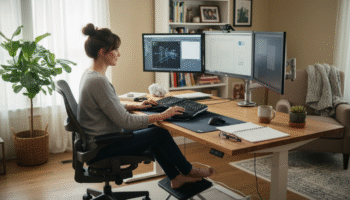
Your hip flexors are the hidden culprits of desk-job back
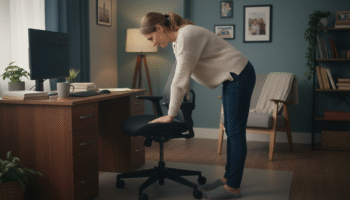
Your back is stiff, tight, and angry. And you’ve got

That nagging pain at the base of your spine—right where
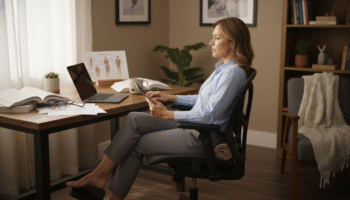
Sitting with a herniated disc can feel like torture. Every
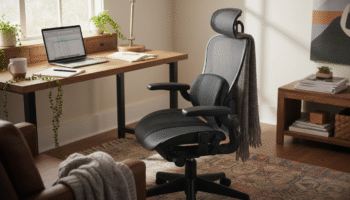
Your desk chair is failing you. Even if you paid
That deep ache in your buttock that won’t quit? The

You’ve blamed your chair for years. And you’re probably right—but
Your back is aching right now, isn’t it? That dull
Is your lower back screaming at you by 3 PM?