

Gluteal Amnesia and Back Pain
Your glutes have forgotten how to work. It sounds strange,

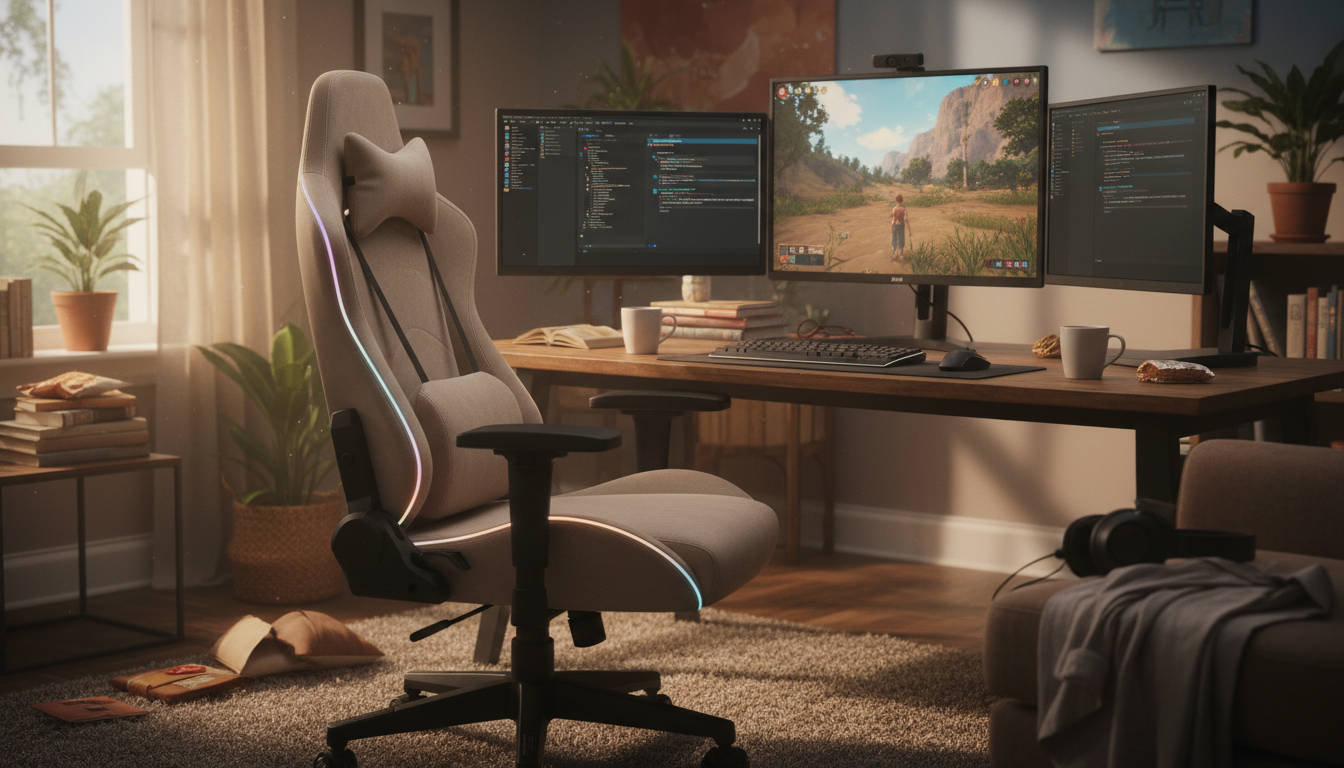
Your gaming chair was supposed to be ergonomic. It has a racing-style design, built-in lumbar pillow, and an adjustable everything. So why does your back hurt after marathon gaming sessions?
📋 Table of Contents
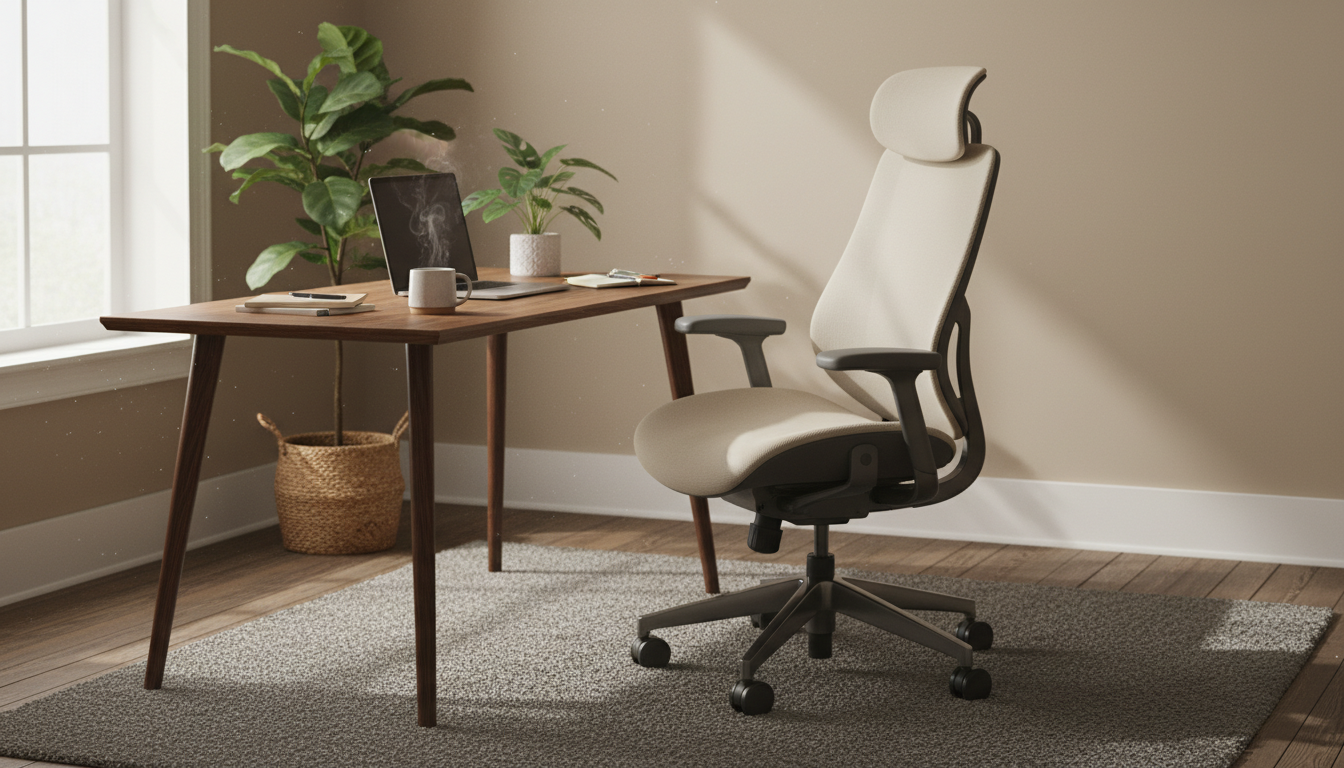
The truth is, many gaming chairs prioritize aesthetics over ergonomics. That racing-style bucket seat was designed to hold drivers secure during high-speed turns—not to support someone sitting for 6+ hours of gaming. And those “lumbar pillows” that come included? Often too small, poorly positioned, or made of cheap foam that compresses within weeks.
This guide explains why gaming chairs often fail gamers’ backs, how to optimize your setup, and what actually works for pain-free gaming sessions.
Gaming chairs borrowed their design from racing seats, but the use case is completely different:
| Racing Seats | Gaming Chairs |
|---|---|
| Sessions: 30-120 minutes | Sessions: 4-12+ hours |
| Goal: Hold body secure during G-forces | Goal: Comfort for static sitting |
| Wide bolsters: Keep driver in place | Wide bolsters: Restrict movement |
| Firm padding: Feedback for driving | Firm padding: Creates pressure points |
Most gaming chairs include a lumbar pillow, but they typically fail:
Gaming chairs often have tall backs and head pillows that look supportive, but they’re designed for reclined positions. When you lean forward to focus on gameplay—which most gamers do—that tall back provides zero support. The lumbar pillow becomes useless, and your spine rounds unsupported.
Whether using included pillow or aftermarket:
Upgrade Your Gaming Chair’s Worst Feature
Replace that flat included pillow with a proper ergonomic lumbar support—designed to maintain its shape through marathon gaming sessions.
Gaming-Ready | 30-Day Trial | 2-Year Warranty
Your back needs breaks more than your eyes:
Even without leaving your chair:
Originally for eyes, but apply to posture:
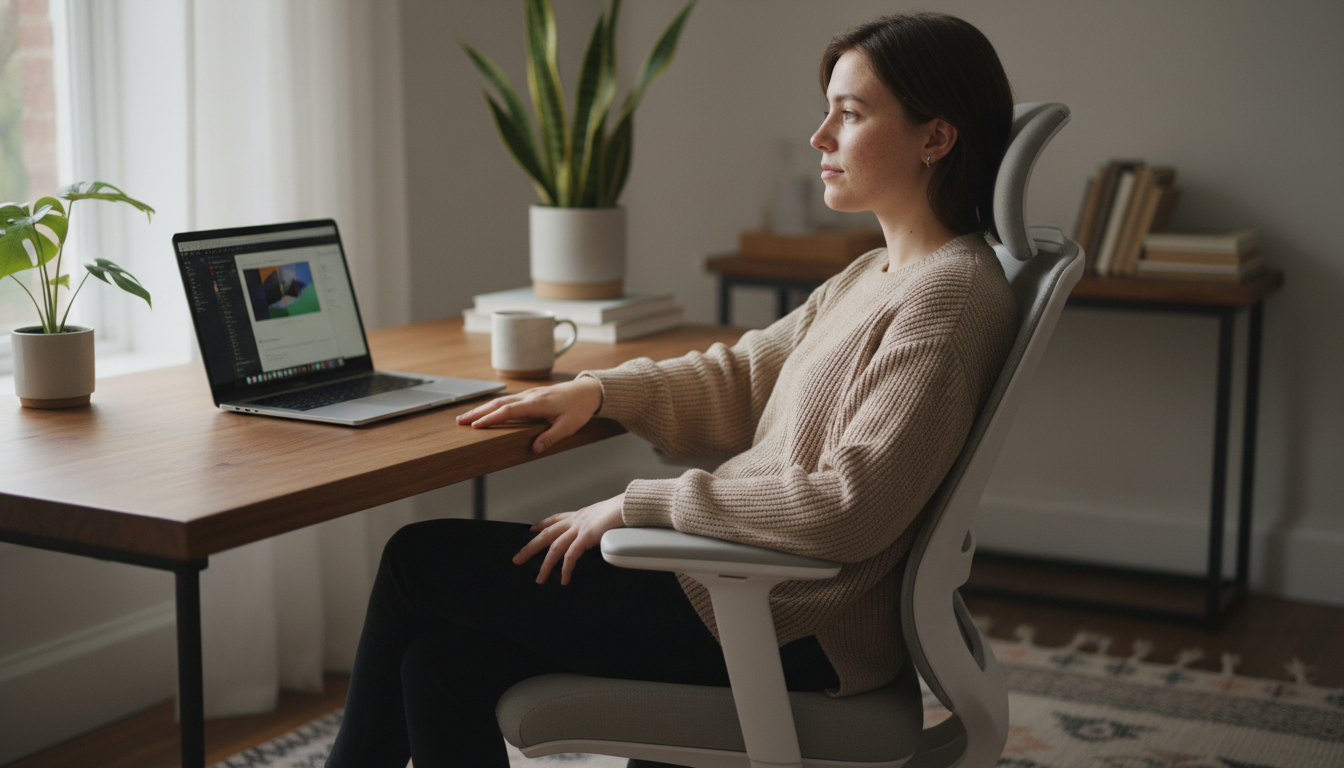
| Feature | Gaming Chairs | Ergonomic Office Chairs |
|---|---|---|
| Lumbar Support | Usually pillow-based, mediocre | Often built-in, adjustable |
| Movement Freedom | Restricted by bolsters | Allows natural movement |
| Recline Range | Often 90-180 degrees | Typically 90-120 degrees |
| Aesthetics | Gaming-focused, flashy | Office-appropriate |
| Price | $150-500 | $300-1500+ |
| Back Pain Prevention | Variable, often poor | Generally better |
The chair matters less than how you use it:
Seated Twist:
Neck Stretches:
Wrist and Forearm Stretches:
Most gaming chairs use racing-seat designs meant for short periods, not marathon sessions. Common issues include inadequate lumbar support, bucket seats that restrict movement, and cheap foam that compresses. The included lumbar pillows are often too small and poorly positioned. You may need an aftermarket lumbar pillow and better break habits.
Generally, quality ergonomic office chairs provide better back support than gaming chairs at similar price points. However, an expensive gaming chair with proper lumbar support can work well, and a cheap office chair can cause pain. The key factors are adjustable lumbar support, movement freedom, and your usage habits—not the chair category.
Use proper lumbar support (upgrade the included pillow if needed), position it at your lower back curve, keep feet flat on floor, maintain backrest contact while gaming, and take breaks every 30-60 minutes. Avoid extended periods in the forward-leaning position, and use the slight recline position (100-110 degrees) for longer sessions.
If it’s causing discomfort or improperly positioned, yes—remove it and either use nothing or replace with a quality aftermarket pillow. A poorly fitting lumbar pillow is worse than none. Many gamers find that a proper memory foam lumbar pillow works better than the included gaming chair accessories.
Stand and move at least once every hour, ideally every 30 minutes. Use natural game breaks (queue times, loading screens, respawns) as reminders. Even a 1-2 minute standing break helps. Your back needs position changes more than your eyes need screen breaks—both matter, but movement is often forgotten.
Gaming chair back pain is common but fixable:
Great gaming doesn’t require suffering through back pain.
The Gaming Chair Upgrade That Actually Matters
Forget RGB lighting—proper lumbar support is the upgrade your gaming setup actually needs. Our pillow maintains its shape through marathon sessions.
30-Day Money-Back Guarantee | 2-Year Warranty | Free Shipping
Your glutes have forgotten how to work. It sounds strange,
Your hip flexors are the hidden culprits of desk-job back
Your back is stiff, tight, and angry. And you’ve got

That nagging pain at the base of your spine—right where

Sitting with a herniated disc can feel like torture. Every
Your desk chair is failing you. Even if you paid

That deep ache in your buttock that won’t quit? The

You’ve blamed your chair for years. And you’re probably right—but
Your back is aching right now, isn’t it? That dull
Is your lower back screaming at you by 3 PM?