

Gluteal Amnesia and Back Pain
Your glutes have forgotten how to work. It sounds strange,

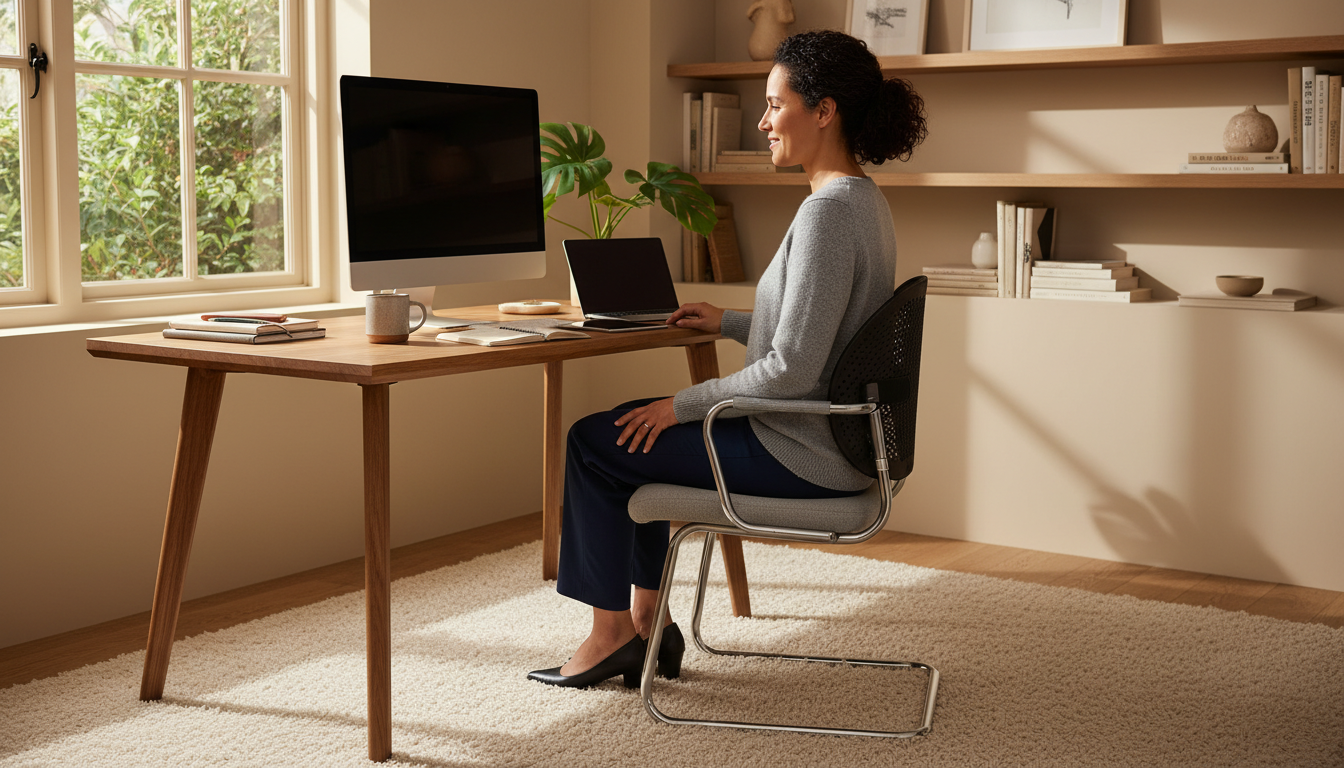
Your office chair is probably hurting your back. Not because it’s broken—because it wasn’t designed to actually support your spine.
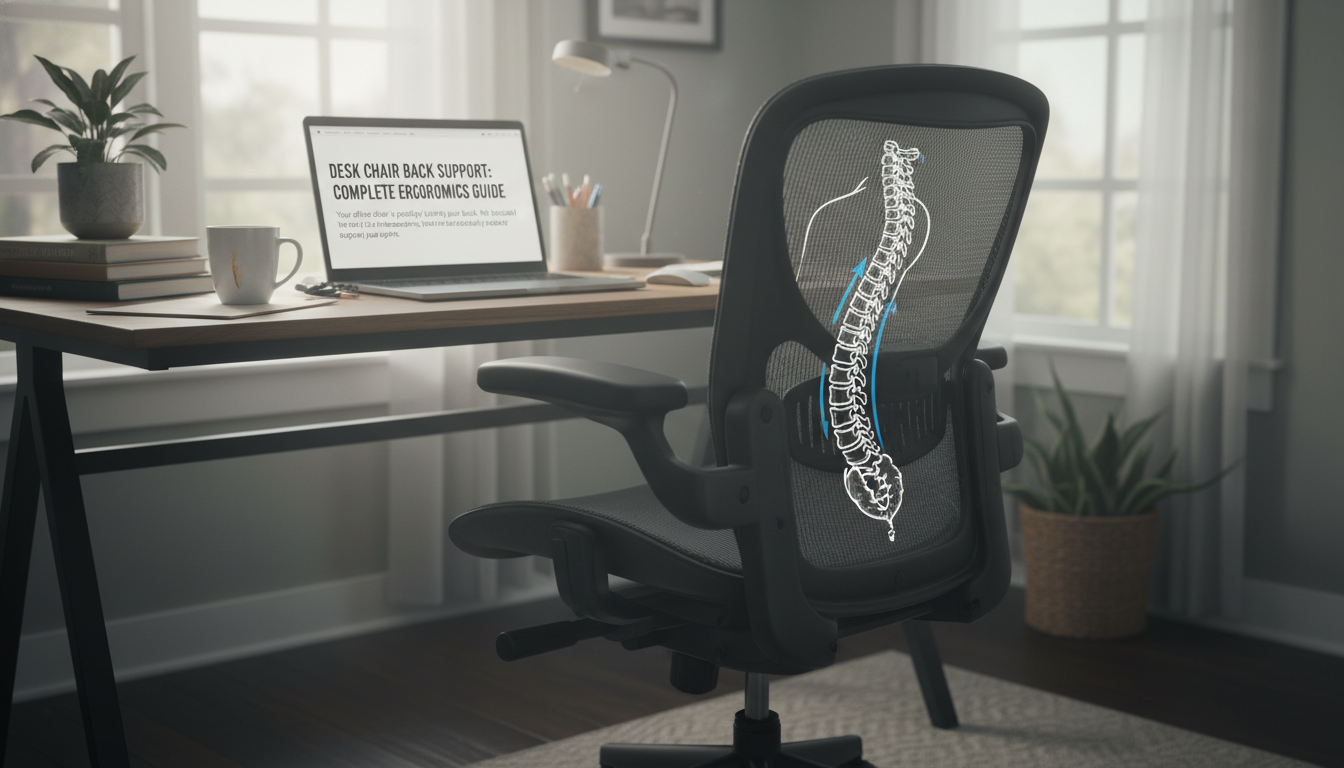
Here’s the uncomfortable truth: even “ergonomic” chairs costing hundreds of dollars often lack adequate lumbar support. That gap between your lower back and the chair? It’s forcing your muscles to work overtime and your spine to slump into positions that cause pain, fatigue, and long-term damage.
This guide shows you how to transform any desk chair into a back-friendly workstation—without replacing your entire setup.
Standard office chairs are designed for:
They’re not designed for:
The result? A gap between your lower back and the chair back. Your muscles try to compensate. Your spine slumps forward. And by 3 PM, you’re exhausted and aching.
Back pain isn’t just uncomfortable—it’s expensive:
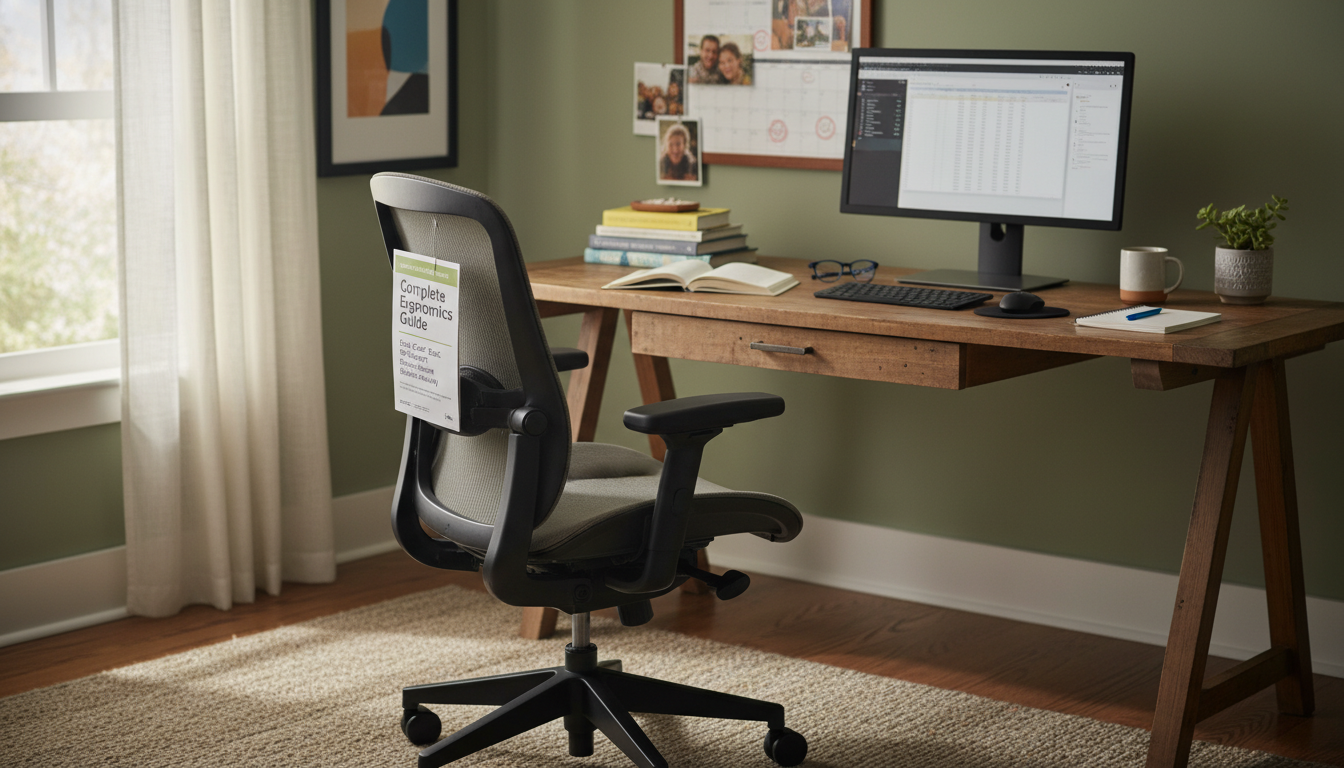
You’re at higher risk for chair-related back problems if you:
You have several options for adding back support to your chair. Here’s what works:
A dedicated lumbar pillow is the most effective solution for most people. It fills the gap between your lower back and the chair, maintaining your spine’s natural curve.
How they work:
Best for: Most office workers, especially those with chairs lacking built-in lumbar support.
Full back cushions extend from lumbar region up to mid-back, providing support along more of your spine.
When you need full back coverage:
Downside: Less targeted support, may feel bulky, harder to position precisely.
Some chairs include adjustable lumbar support mechanisms.
Types of built-in support:
The reality: Most built-in lumbar support is inadequate. Even expensive chairs often need supplemental support. If your chair has adjustable lumbar and you still have pain, adding a dedicated pillow typically helps more.
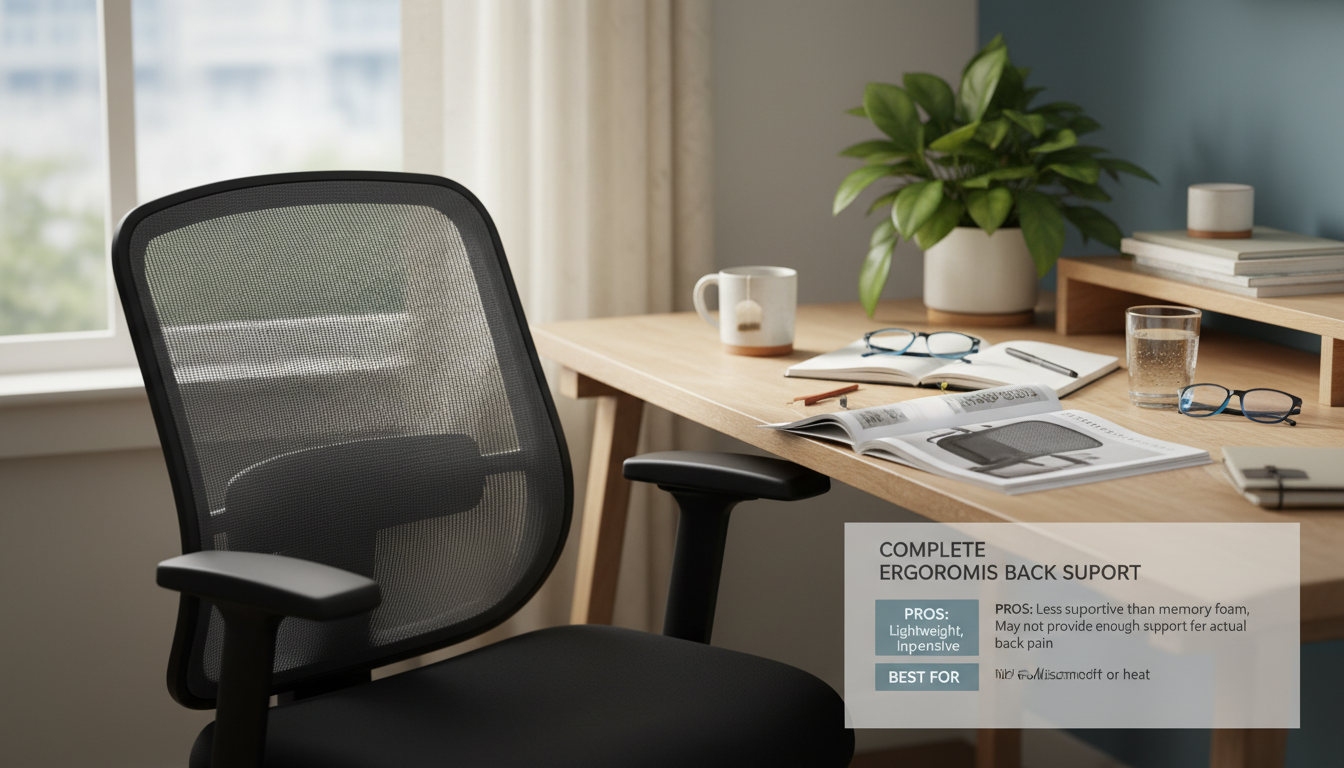
Mesh-style back supports attach to your chair and provide light support with good breathability.
Pros: Breathable, lightweight, inexpensive
Cons: Less supportive than memory foam, may not provide enough support for actual back pain
Best for: Mild discomfort or heat-conscious users in warm environments.
For most office workers, a quality memory foam lumbar pillow provides the best combination of support, durability, and value.
Why memory foam works best:
What to look for:
💡 Our pick: The LumbarPillow Orthopedic uses AirFlex™ memory foam with an ergonomic contour specifically designed to eliminate lower back pain. With a 30-day money-back guarantee and 2-year warranty, it’s risk-free to try.
If you’re considering a new chair entirely, look for these features:
Budget reality: Good ergonomic chairs cost $300-1,500+. A quality lumbar pillow ($40-70) often provides better lumbar support than chairs costing 10x more.
Combining a lumbar pillow with a seat cushion addresses both spinal alignment and seat comfort.
When to add a seat cushion:
Lumbar rolls are cylindrical cushions that provide focused support.
Pros: Highly adjustable positioning, portable, inexpensive
Cons: Less conforming than contoured pillows, may slide around
Best for: People who like minimalist solutions or need extremely precise positioning.
Follow these five steps for optimal desk chair ergonomics:
Your feet should be flat on the floor with thighs parallel to the ground. If your desk is too high:
There should be 2-3 inches between the edge of the seat and the back of your knees. If your seat is too deep, you’ll either:
Adjustable seat depth solves this. Without it, a lumbar pillow effectively brings the back of the chair forward.
Place your lumbar pillow to support the natural inward curve of your lower back:
Armrests should allow your shoulders to stay relaxed while your elbows are at approximately 90 degrees.
If armrests prevent you from sitting close to your desk, consider removing them or adjusting their width.
Monitor position affects your entire spine:
Incorrect monitor height causes you to crane your neck, which affects posture all the way down your spine.
Use this checklist to evaluate your current setup:
Feet & Legs:
Back & Hips:
Arms & Shoulders:
Head & Neck:
Here’s what to expect at different price points:
What you get: Basic memory foam or mesh supports, thin cushions, basic straps
Concerns: Lower-density foam that flattens quickly, less contoured designs, shorter lifespan
Best for: Testing whether lumbar support helps before investing more
What you get: Higher-density memory foam, ergonomic contours, quality straps, breathable covers, 1-2 year warranties
Why this range works: Balances quality materials with reasonable cost. Most people find long-term relief in this price range.
Best for: Daily office use, serious back pain relief
What you get: Premium materials, advanced features (gel-infused foam, heating elements), designer covers, extended warranties
Reality check: Diminishing returns above $75. A $100 pillow isn’t necessarily twice as good as a $50 pillow. Focus on features that matter (foam density, contour design) rather than premium branding.
| Price Range | Foam Quality | Expected Lifespan | Best For |
|---|---|---|---|
| Under $30 | Low-medium density | 3-12 months | Trial/occasional use |
| $30-$75 | High density | 2-3 years | Daily use (recommended) |
| $75+ | Premium/specialty | 3+ years | Special needs/preferences |
If you work in an office, your employer may cover ergonomic equipment. Here’s how to make the case:
The math is overwhelmingly in favor of prevention.
Many employers will approve a $40-60 lumbar pillow without much pushback—it’s far cheaper than an ergonomic chair or workers’ comp claim.
Remote workers face unique challenges: dining chairs, couches, and makeshift desks weren’t designed for 8-hour workdays.
If you have a dedicated office chair:
If you’re using a dining chair:
Total cost for a functional ergonomic WFH setup: $100-200. Compare that to a single doctor visit for back pain.
If you work from different locations throughout your home:
Yes, as long as the chair has a back. Lumbar pillows with adjustable straps work on office chairs, dining chairs, car seats, and most other seated surfaces. The key is positioning the pillow correctly and securing it so it doesn’t slide.
For daily office use, $40-70 gets you a quality lumbar pillow with high-density foam and durable construction. Below $30, you’ll likely sacrifice foam quality and longevity. Above $75, you’re often paying for premium branding rather than better materials.
In most cases, adding a quality lumbar pillow to your existing chair is more cost-effective and more effective. Even expensive ergonomic chairs often have inadequate lumbar support. Exception: if your chair is extremely uncomfortable or worn out, replacement may be worthwhile—but still add a lumbar pillow to the new chair.
Quality memory foam lumbar pillows last 2-3 years with daily use. Replace when the foam no longer returns to its original shape, when support feels noticeably reduced, or when you start experiencing back discomfort again. Low-quality pillows may need replacement every 6-12 months.
You can, but transporting daily is inconvenient and increases wear. Many people prefer having two pillows—one at each location. The LumbarPillow is portable enough for occasional transport (travel, meetings) while being effective for permanent use in one spot.
Transform your desk chair today.
Stop suffering through workdays with back pain. Our orthopedic lumbar pillow uses AirFlex™ memory foam to provide the support your chair is missing—so you can finish your workday feeling good, not exhausted.
30-Day Money-Back Guarantee | 2-Year Warranty | Free Shipping
Your glutes have forgotten how to work. It sounds strange,

Your hip flexors are the hidden culprits of desk-job back
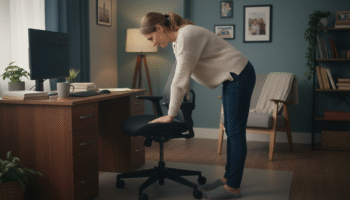
Your back is stiff, tight, and angry. And you’ve got

That nagging pain at the base of your spine—right where

Sitting with a herniated disc can feel like torture. Every
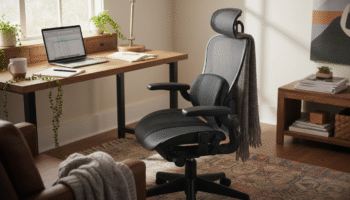
Your desk chair is failing you. Even if you paid

That deep ache in your buttock that won’t quit? The

You’ve blamed your chair for years. And you’re probably right—but

Your back is aching right now, isn’t it? That dull
Is your lower back screaming at you by 3 PM?