
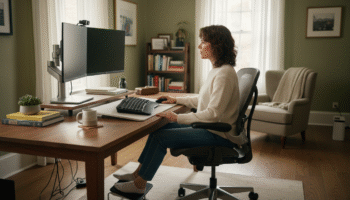
Gluteal Amnesia and Back Pain
Your glutes have forgotten how to work. It sounds strange,


Is your lower back screaming at you by 3 PM? You’re not imagining it. How you sit matters more than you think—and most people are doing it completely wrong.
📋 Table of Contents
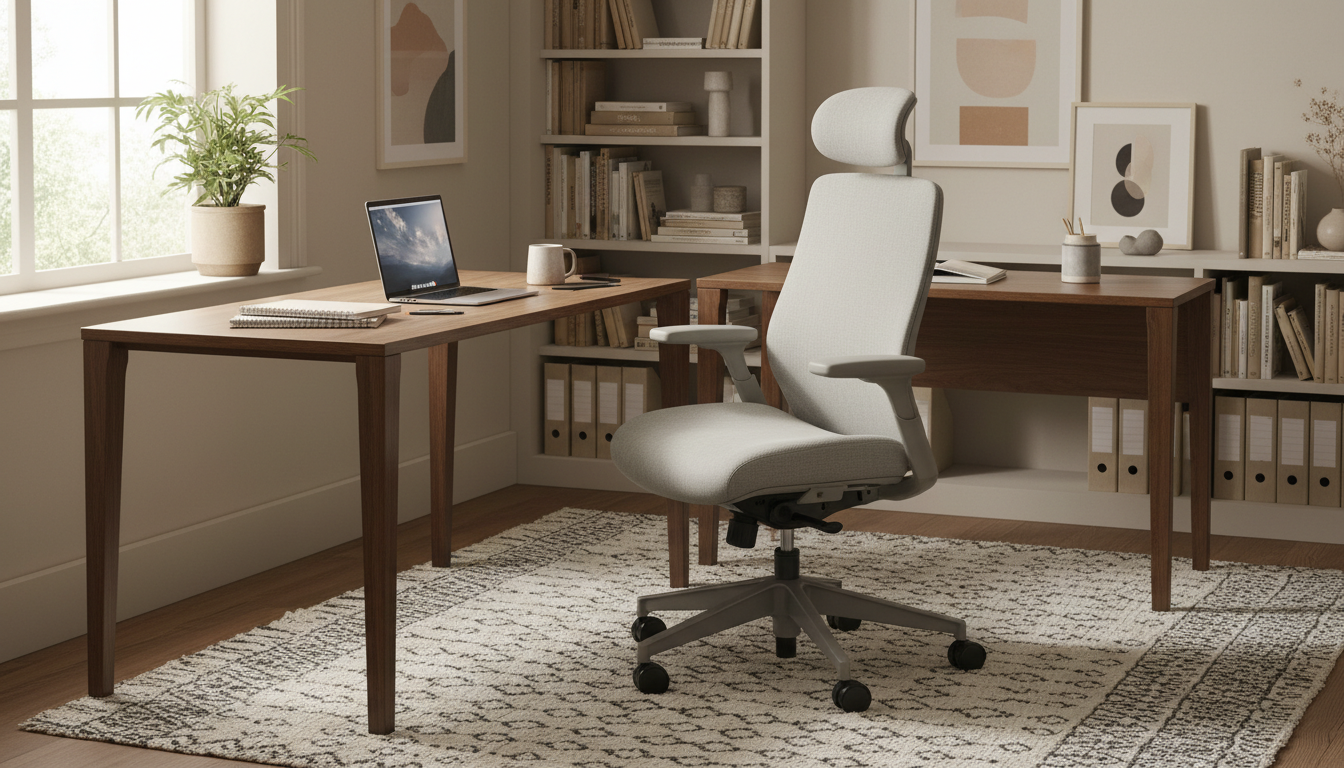
The average American sits for 10+ hours per day. That’s 3,650 hours per year in positions that often compress your spine, strain your muscles, and set you up for chronic pain. But here’s the good news: small adjustments to your sitting position can eliminate most sitting-related back pain.
This guide breaks down the best sitting positions for every scenario—your office chair, car seat, couch, and everywhere in between. Plus, we’ll show you exactly how lumbar support transforms bad sitting into spine-friendly sitting.
Before we fix your posture, let’s understand why sitting hurts in the first place.
When you stand, your spine distributes weight efficiently through its natural S-curve. When you sit—especially when you slouch—that changes dramatically:
That extra pressure compresses your spinal discs, strains ligaments, and fatigues muscles designed for movement—not marathon sitting sessions.
Your lower back has a natural inward curve called lordosis. Most chairs flatten this curve, forcing your spine into an unnatural C-shape. This:
The goal of good sitting posture isn’t to sit “perfectly straight”—it’s to maintain your spine’s natural curves while minimizing muscle effort. That’s where proper lumbar support becomes essential.
Follow this setup process every time you sit down. Within a week, it becomes automatic.
Your hips are the foundation of good sitting posture.
This is where most people fail—and where pain begins.
You shouldn’t need to actively hold yourself up, but gentle core engagement helps:
You likely spend more time in your office chair than any other seat. Getting this right pays dividends.
Chair adjustments:
Why external lumbar support helps: Most office chairs have inadequate built-in lumbar support—it’s either too low, too high, or doesn’t adjust enough. A quality lumbar pillow lets you position support exactly where YOUR spine needs it.
| Office Chair Feature | Ideal Setting | Why It Matters |
|---|---|---|
| Seat Height | Hips at or above knee level | Opens hip angle, reduces lumbar flexion |
| Lumbar Support | L3-L5 vertebrae level | Maintains natural lordotic curve |
| Backrest Angle | 100-110 degrees | Reduces disc pressure by ~20% |
| Seat Depth | 2-3″ gap behind knees | Prevents circulation restriction |
Driving creates unique challenges: vibration, limited adjustment options, and no ability to stand and stretch during heavy traffic.
Optimal car seat setup:
Pro tip: Take your lumbar pillow from office to car. The consistent support throughout your day makes a bigger difference than you’d expect.
Couches are back pain traps. They’re designed for comfort perception, not spinal health. Here’s how to minimize damage:
Long flights can wreck your back. Preparation is key:
Transform Any Chair Into Back-Friendly Support
Our orthopedic lumbar pillow adapts to office chairs, car seats, planes, and more—maintaining your spine’s natural curve wherever you sit.
Works Everywhere | 30-Day Trial | 2-Year Warranty
Sitting on the front of your chair leaves your back unsupported. Your muscles work overtime to hold you upright, leading to fatigue and pain by afternoon.
Fix: Scoot your hips all the way back. Let the chair and lumbar support do the work.
Leg crossing rotates your pelvis and spine, creating uneven pressure on discs and muscles. It feels comfortable short-term but causes imbalances long-term.
Fix: Feet flat on floor, knees in line with hips. If you must cross, alternate sides and limit duration.
Favoring one armrest or leaning toward your mouse creates spinal side-bending that stresses joints and muscles asymmetrically.
Fix: Center your body in your chair. Position your work directly in front of you.
Jutting your head forward to see your screen adds 10 pounds of effective weight to your neck for every inch of forward head posture.
Fix: Bring the screen to you (larger monitor, closer placement). Keep ears aligned over shoulders.
Even perfect posture becomes problematic if you hold it for hours. Your body is designed for movement.
Fix: Change positions regularly. Stand, stretch, or walk every 30-60 minutes.
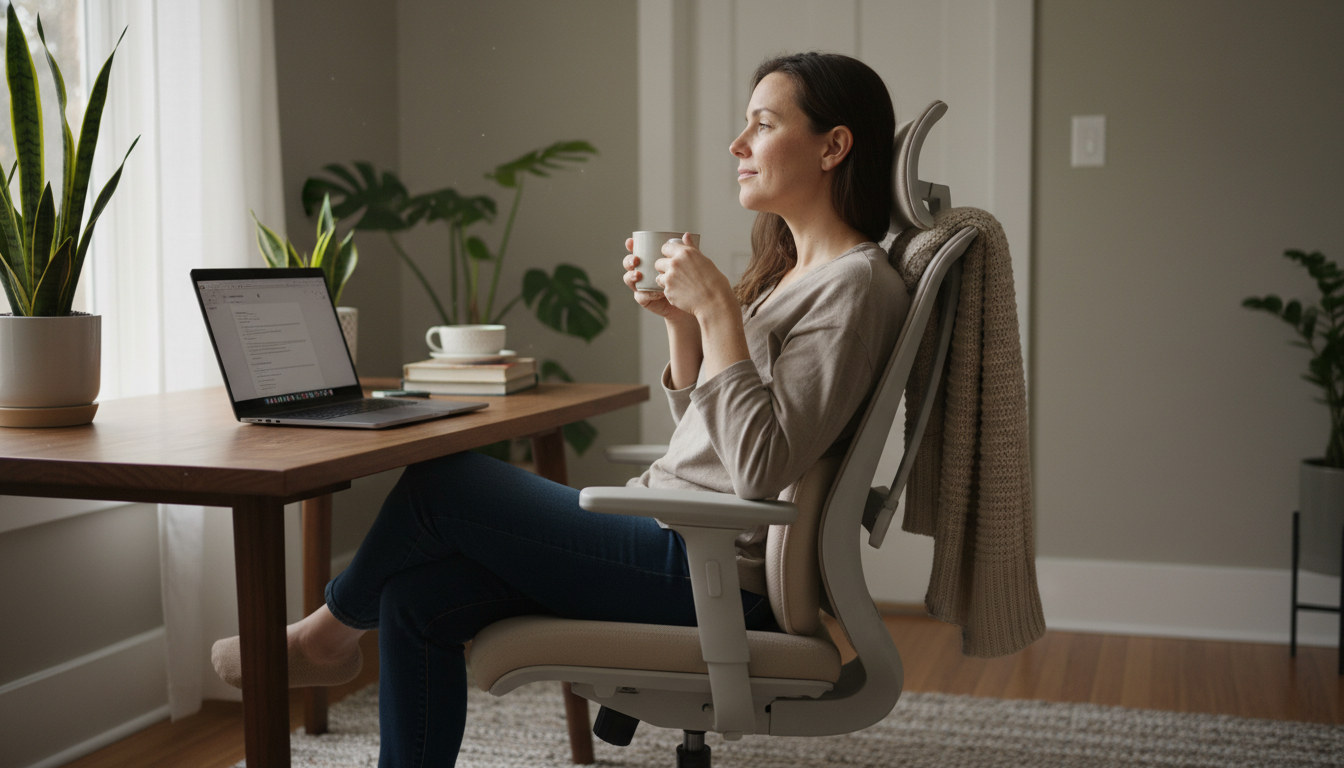
Here’s the truth most people miss: even expensive ergonomic chairs often fail to provide adequate lumbar support. Built-in lumbar adjustments typically offer limited range, wrong positioning, or insufficient depth.
Most people notice improvement faster than expected:
Important: If pain persists despite consistent good posture, consult a healthcare provider. Some conditions require additional treatment beyond positioning.
The healthiest sitting position maintains your spine’s natural curves with minimal muscle effort. Key elements: hips back in chair, lumbar support filling the lower back gap, shoulders relaxed over hips, feet flat on floor, and a slightly reclined backrest (100-110 degrees). But even the best position needs regular movement breaks.
No—the 90-degree upright position is actually harder on your spine than a slight recline. Research shows that a 100-110 degree backrest angle (10-20 degrees reclined from vertical) reduces disc pressure by 20-30% compared to sitting straight up.
Ideally, make micro-adjustments every 15-20 minutes and take a standing/walking break every 30-60 minutes. Static sitting—even with perfect posture—stresses your spine. Your body thrives on varied movement.
Years of poor sitting posture can contribute to disc degeneration, chronic muscle imbalances, and structural changes. The good news: most posture-related changes are reversible with consistent better habits, especially when caught early.
Lying down distributes your weight evenly and eliminates compressive forces on your spine. Sitting concentrates load on your lumbar discs and requires muscle effort to stay upright. Proper lumbar support reduces sitting strain significantly, but it can never equal the relief of lying down.
Standing reduces disc pressure compared to slouched sitting, but prolonged standing creates its own problems (leg fatigue, different muscle strain). The best approach is alternating: sit with support, stand periodically, and move throughout the day.
The best sitting position for lower back pain isn’t about military-straight posture—it’s about maintaining your spine’s natural curves while minimizing effort.
The key elements:
While chair adjustments help, nothing replaces proper lumbar support for maintaining that critical lower back curve. A quality lumbar pillow can transform any chair into spine-friendly seating.
Ready to Finally Sit Without Pain?
Our AirFlex memory foam lumbar pillow maintains your spine’s natural curve in any chair—office, car, or home.
30-Day Money-Back Guarantee | 2-Year Warranty | Free Shipping
Your glutes have forgotten how to work. It sounds strange,
Your hip flexors are the hidden culprits of desk-job back
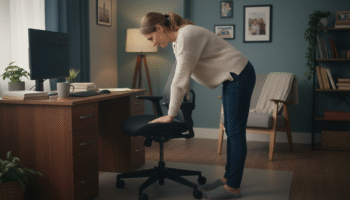
Your back is stiff, tight, and angry. And you’ve got

That nagging pain at the base of your spine—right where
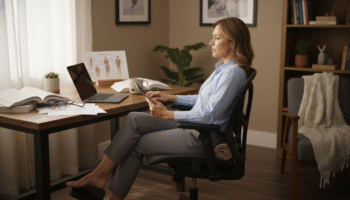
Sitting with a herniated disc can feel like torture. Every
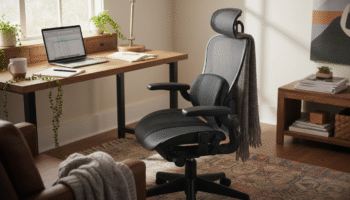
Your desk chair is failing you. Even if you paid
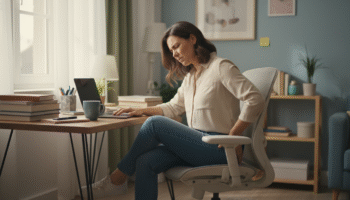
That deep ache in your buttock that won’t quit? The

You’ve blamed your chair for years. And you’re probably right—but
Your back is aching right now, isn’t it? That dull
Most lumbar pillows end up in closets within weeks. Not