
Gluteal Amnesia and Back Pain
Your glutes have forgotten how to work. It sounds strange,

You invested in a standing desk to reduce back pain, only to find that standing on hard floors creates its own problems. Your feet ache, your legs tire quickly, and somehow your back still hurts. An anti-fatigue mat isn’t optional—it’s essential for sustainable standing work. Here’s how to choose the right one.
📋 Table of Contents
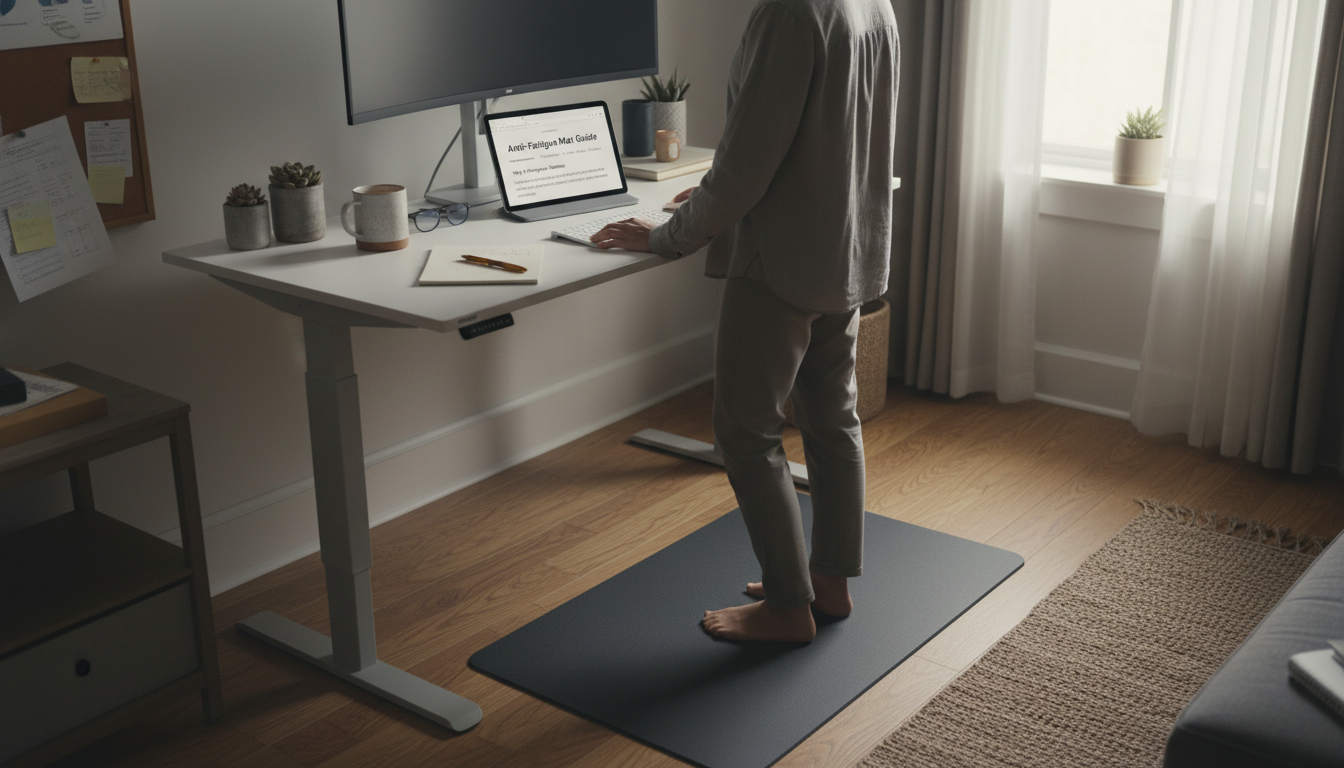
Standing on hard surfaces creates a cascade of problems that ultimately affect your back:
Quality mats address these problems through:
| Type | Best For | Thickness | Price Range |
|---|---|---|---|
| Flat Cushioned | Basic standing, tight spaces | 0.5-0.75 inch | $30-60 |
| Contoured/Terrain | Extended standing, active movement | 1-3 inches | $80-150 |
| Balance Board Hybrid | Active standing, core engagement | 2-4 inches | $100-200 |
| Gel-Top | Maximum cushioning | 0.75-1 inch | $50-100 |
The most common and affordable option:
Flat mats use foam, rubber, or polyurethane to create a uniform cushioned surface. The material compresses slightly under weight, reducing impact and providing some instability that encourages movement.
Advantages:
Limitations:
These mats include varied surfaces that encourage foot movement:
Varied terrain encourages unconscious movement throughout your standing time. Instead of standing static, you naturally shift, stretch, and reposition—keeping blood flowing and muscles engaged without conscious effort.
Studies show that standing on terrain mats increases leg muscle activation by up to 50% compared to flat mats, without requiring conscious effort. This increased activity improves circulation and reduces fatigue.
Thickness alone doesn’t determine quality. Density matters more:
Your mat should accommodate natural movement:
Beveled (tapered) edges prevent tripping when stepping on/off the mat. This is essential if you move between sitting and standing frequently.
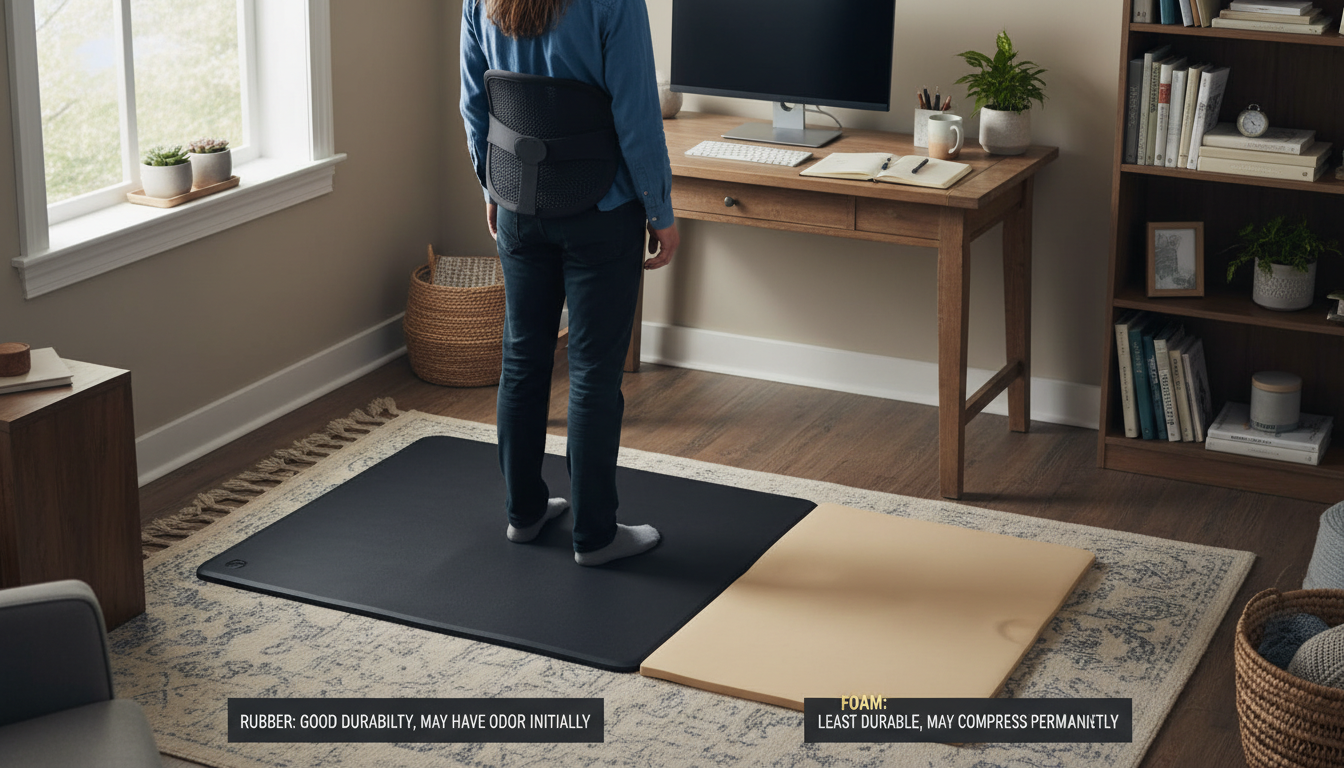
Some mats are specifically designed to support back health during standing:
An anti-fatigue mat is one component of a complete standing workstation:
Even dedicated standing desk users sit 50-70% of their workday. Your sitting posture during these periods significantly affects overall back health.
Complete Your Sit-Stand Setup
Your standing mat helps you stand. Premium lumbar support helps you sit. Together, they create all-day comfort.
Essential for Sit-Stand Users | 30-Day Guarantee
A 2-inch low-density foam mat may perform worse than a 0.75-inch high-density polyurethane mat. Focus on quality and density over raw thickness.
A mat that’s barely larger than your feet encourages static standing. Size up to allow natural movement throughout standing intervals.
If your chair needs to roll onto the mat during sitting transitions, ensure the mat accommodates this. Some terrain mats don’t work with office chairs.
A mat improves standing comfort; it doesn’t eliminate the need for movement breaks, proper shoes, and overall good ergonomics.
Like good shoes, quality mats may need breaking in. The first week may feel firmer; the mat softens slightly with use while maintaining support.
Quality mats last 2-5 years depending on use intensity and material:
What you wear on the mat affects its effectiveness:
For office standing, 0.75-1 inch of quality material is typically sufficient. Thicker isn’t always better—density and material matter more than raw thickness. A 0.75-inch polyurethane mat often outperforms a 2-inch foam mat. For extended standing (4+ hours), terrain mats with 1-2 inch variations provide better fatigue relief than flat thick mats.
It depends on the mat. Flat cushioned mats generally work with rolling chairs, though they add slight drag. Terrain mats with raised features don’t work well with chairs—you’ll need to move the mat when sitting or position it where the chair doesn’t need to roll. Some users keep a separate sitting area without the mat.
Yes, indirectly. By reducing foot and leg fatigue, mats help you maintain better posture during standing. The micro-movements encouraged by quality mats also improve circulation and prevent the static stress that contributes to back pain. However, a mat alone won’t solve back pain—it’s one component of overall standing ergonomics.
Quality polyurethane mats last 3-5 years with daily use. Rubber mats last 2-4 years. Foam mats may only last 1-2 years before significant compression affects performance. Signs you need replacement include permanent compression, cracks or tears, and feet fatiguing faster than when the mat was new.
Wear supportive footwear on the mat for best results. While mats work barefoot, indoor shoes with arch support provide additional comfort and help the mat last longer. Avoid high heels, which counteract the mat’s benefits, and worn-out shoes, which negate the cushioning.
Your glutes have forgotten how to work. It sounds strange,

Your hip flexors are the hidden culprits of desk-job back
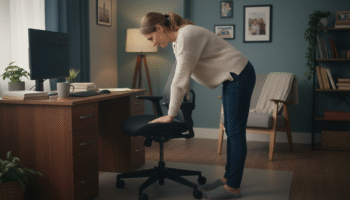
Your back is stiff, tight, and angry. And you’ve got

That nagging pain at the base of your spine—right where
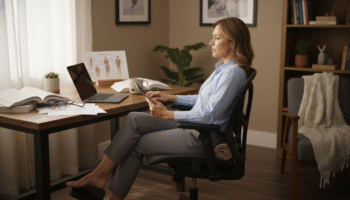
Sitting with a herniated disc can feel like torture. Every
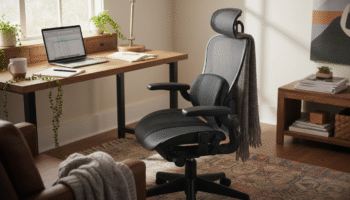
Your desk chair is failing you. Even if you paid

That deep ache in your buttock that won’t quit? The

You’ve blamed your chair for years. And you’re probably right—but
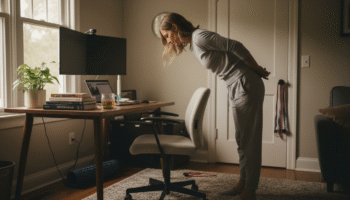
Your back is aching right now, isn’t it? That dull
Is your lower back screaming at you by 3 PM?