

Gluteal Amnesia and Back Pain
Your glutes have forgotten how to work. It sounds strange,

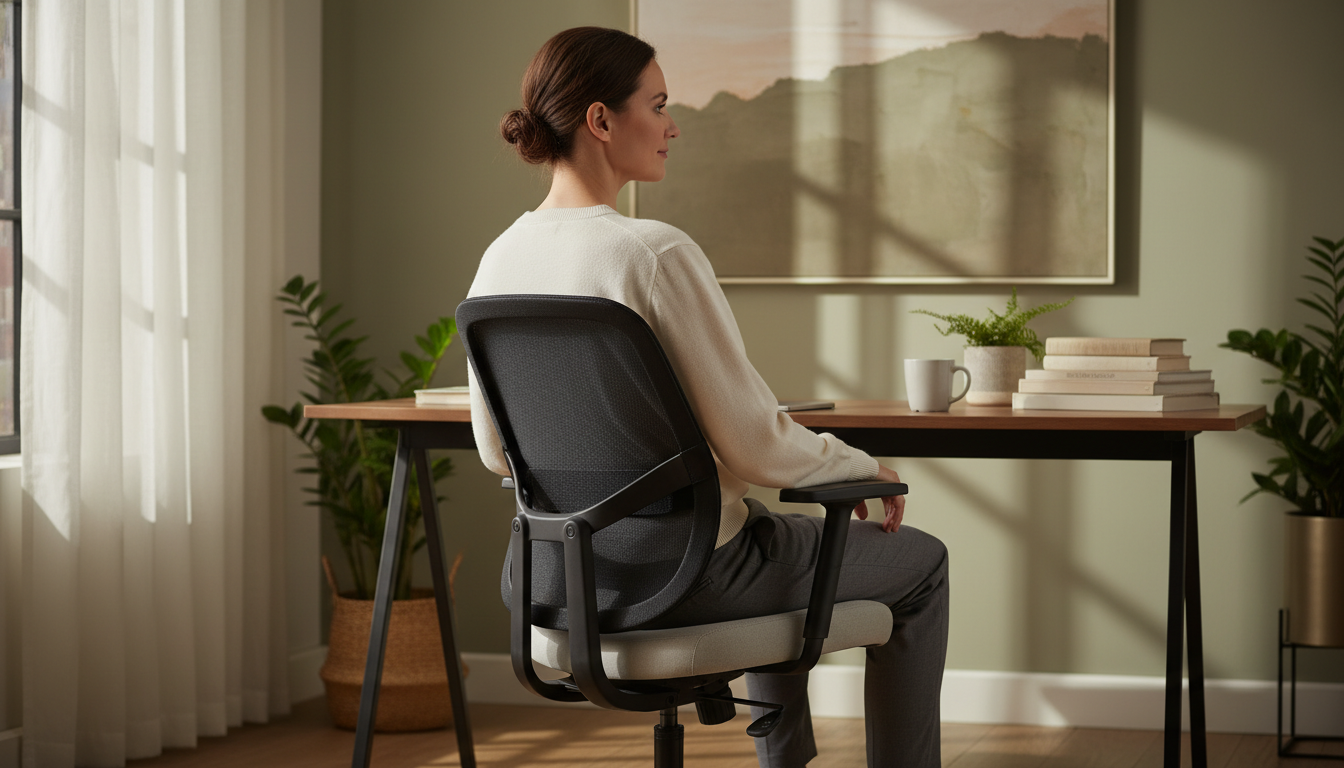
You’ve heard standing desks help with back pain, but replacing your entire desk feels like overkill. Sit-stand desk converters offer the benefits of alternating positions without the cost or commitment of a full desk replacement. This guide covers everything you need to know to choose and use a converter effectively.
📋 Table of Contents
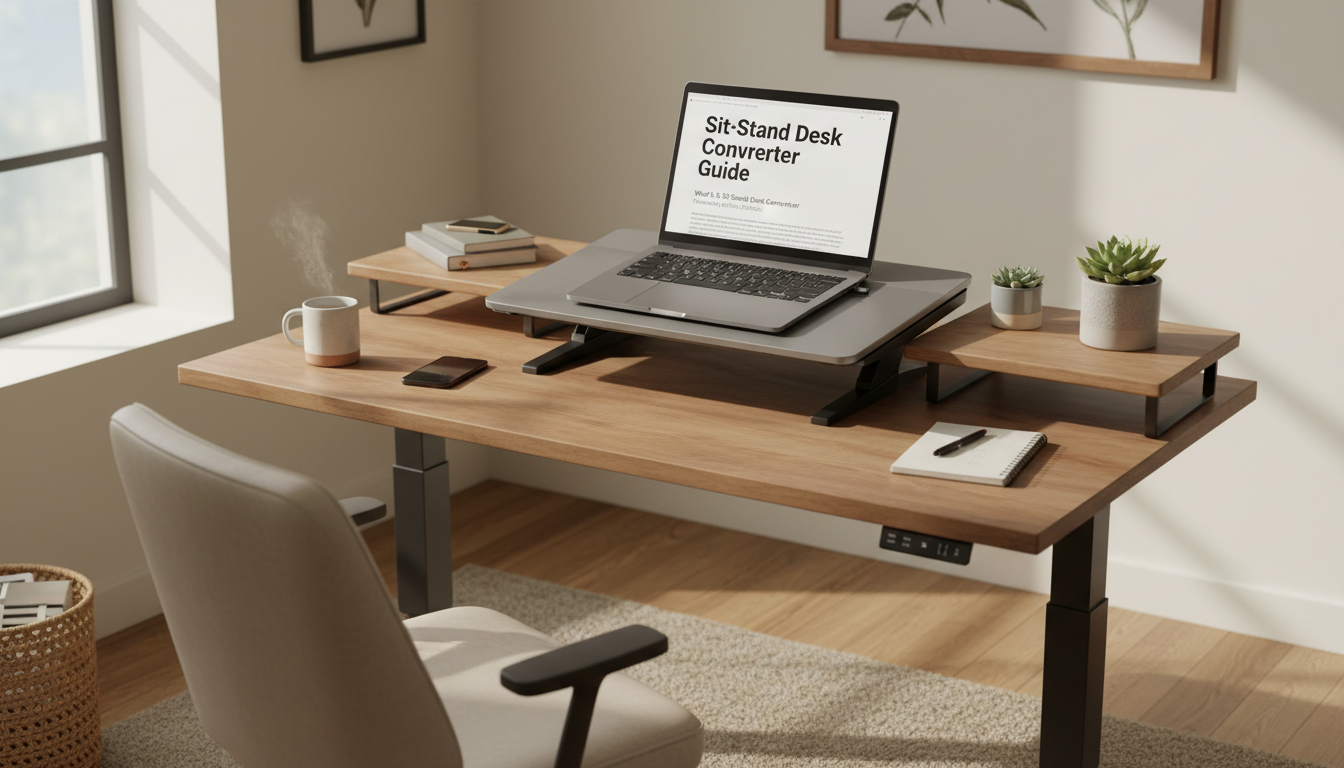
A sit-stand desk converter sits on top of your existing desk and provides a height-adjustable platform for your monitor and keyboard. When you want to stand, you raise the converter. When you want to sit, you lower it back down.
| Factor | Converter | Full Standing Desk |
|---|---|---|
| Cost | $150-500 | $400-1,500+ |
| Installation | Place on existing desk | Replace entire desk, assembly required |
| Commitment | Easily removed if not used | Permanent furniture change |
| Desk Space | Reduces usable desk area | Full desk surface available |
| Transition Speed | Usually manual or gas-assisted | Often electric (faster) |
These use a Z-shaped or X-shaped mechanism that compresses flat when lowered.
A vertical post with an adjustable arm holds your monitor and keyboard tray.
Motorized platforms that adjust height with a button press.
Use gas springs or counterbalance systems for manual height adjustment.
Standing alternates don’t directly heal back problems—they prevent the harm that comes from prolonged sitting:
Studies show alternating between sitting and standing reduces back pain more effectively than either position alone. The key is movement and position changes—not simply standing all day.
Optimal ratio: 20-30 minutes sitting, 10-20 minutes standing, with brief movement breaks.
Height Range: Must accommodate both your sitting and standing heights. Measure your standing elbow height—the keyboard platform should reach that level.
Weight Capacity: Must support your monitor(s), keyboard, and any items you’ll place on it. Allow margin above your actual equipment weight.
Work Surface Size: Must fit your essential equipment comfortably. Cramped surfaces lead to poor ergonomics.
Stability: Should not wobble or shake when typing. Test at full standing height if possible.
Keyboard Tray: Separate tray keeps keyboard at proper ergonomic height relative to monitor.
Monitor Mount Compatibility: Some converters include integrated mounting; others work with separate arms.
Ease of Adjustment: How easily can you transition? Gas-assist and electric are easiest.
Cable Management: Built-in routing prevents cable mess as converter moves.
To find your needed height range:
Example: If your desk is 30 inches and your standing elbow height is 44 inches, you need a converter that reaches at least 14 inches height.
| Setup | Minimum Width | Recommended Width |
|---|---|---|
| Single monitor + keyboard | 24 inches | 30 inches |
| Dual monitors + keyboard | 35 inches | 42 inches |
| Laptop + external monitor | 30 inches | 36 inches |
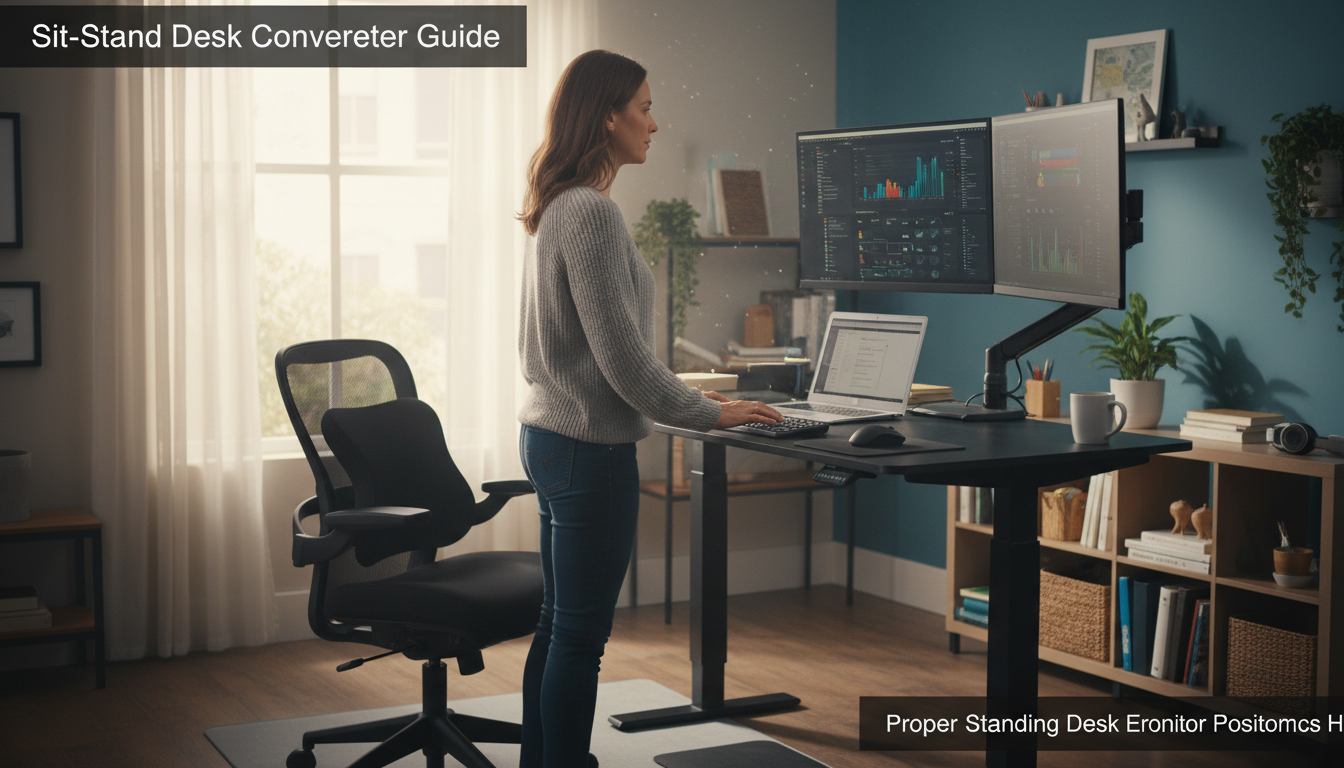
A sit-stand converter doesn’t replace good sitting ergonomics—it complements them.
When you sit down, you need the same ergonomic support as before:
Support Your Sitting Time
Even with a standing converter, you’ll spend significant time seated. Premium lumbar support ensures those sitting periods protect your back.
Complete Your Ergonomic Setup | 30-Day Guarantee
Your body needs time to adapt to standing work. Start with 15-20 minute standing intervals and gradually increase. Standing all day is as harmful as sitting all day.
Poor standing posture causes its own problems. Don’t lean on the converter, lock your knees, or hunch toward the screen.
Standing on hard floors causes foot, leg, and back fatigue. A cushioned mat is essential for comfortable standing work.
The cheapest converters often wobble, have limited height range, or break quickly. A mid-range converter ($250-400) typically offers the best value.
Buying without measuring leads to converters that don’t reach proper height or don’t fit your desk space. Measure before shopping.
Research suggests a 1:1 to 2:1 ratio of sitting to standing works well for most people—roughly 20-40 minutes sitting followed by 15-30 minutes standing. The key is regular alternation rather than exact timing. Listen to your body and change positions when you feel fatigue or stiffness.
It can help reduce pain caused by prolonged sitting, but it won’t cure underlying conditions. The benefit comes from alternating positions, which reduces continuous stress on any one area. If you have diagnosed back conditions, consult your healthcare provider about whether standing work is appropriate for you.
Yes, for any significant standing time. Hard floors cause foot fatigue, leg discomfort, and ultimately back pain from compensating for tired legs. A cushioned anti-fatigue mat makes standing comfortable enough to sustain meaningful standing intervals.
Yes, but choose accordingly. Look for converters 35+ inches wide with weight capacity for both monitors. Z-lift style converters handle dual monitors better than post-mount styles. Confirm the total weight of your monitors doesn’t exceed the converter’s limit.
First, ensure your base desk is stable—wobble often originates there. Choose quality converters with solid construction. At standing height, keep heavier items (monitors) centered. Some wobble during typing is normal; excessive shake indicates a quality or setup problem.
Your glutes have forgotten how to work. It sounds strange,

Your hip flexors are the hidden culprits of desk-job back
Your back is stiff, tight, and angry. And you’ve got

That nagging pain at the base of your spine—right where

Sitting with a herniated disc can feel like torture. Every
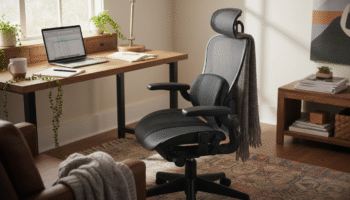
Your desk chair is failing you. Even if you paid

That deep ache in your buttock that won’t quit? The

You’ve blamed your chair for years. And you’re probably right—but
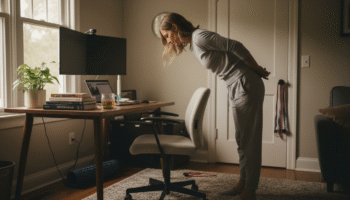
Your back is aching right now, isn’t it? That dull
Is your lower back screaming at you by 3 PM?