

Gluteal Amnesia and Back Pain
Your glutes have forgotten how to work. It sounds strange,

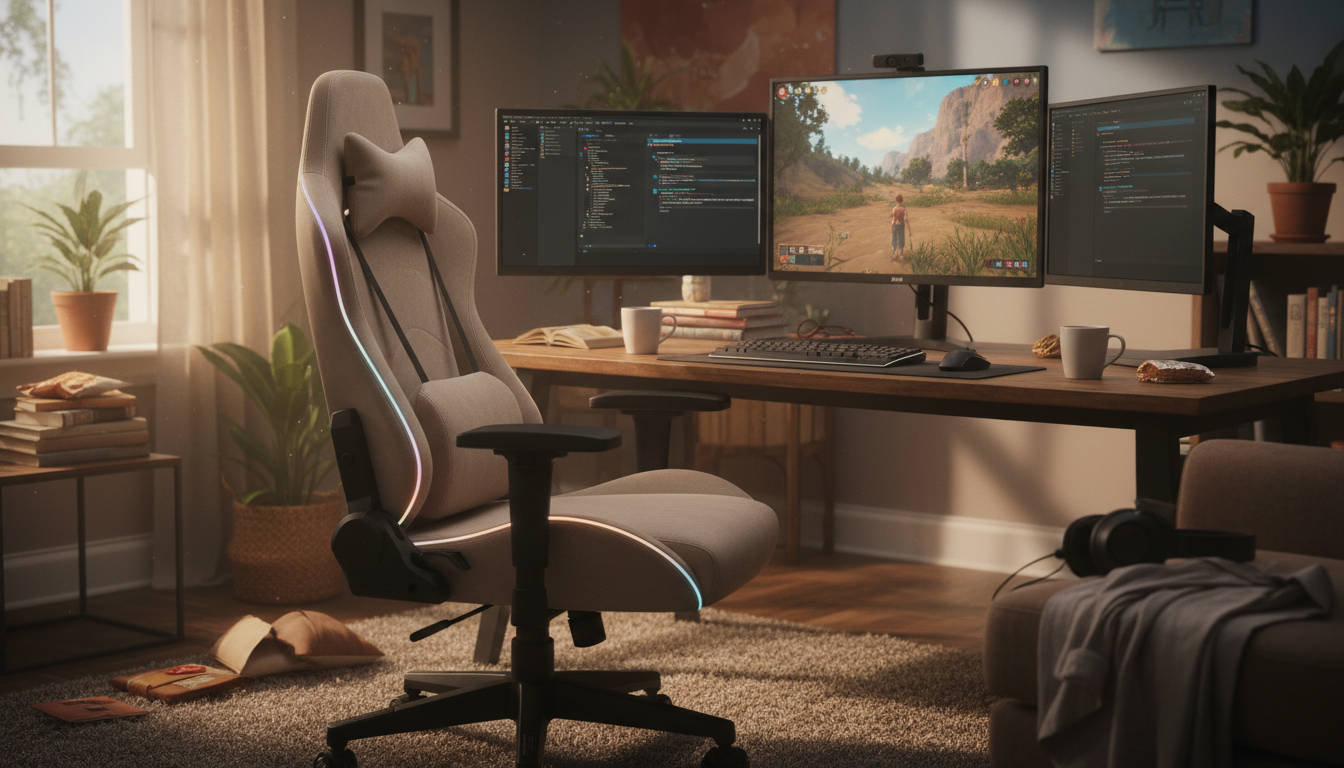
Shopping for an office chair under $300? Here’s what the marketing won’t tell you: most chairs in this price range don’t provide adequate lumbar support—even the “ergonomic” ones.
📋 Table of Contents

That doesn’t mean you should spend $1,000+ on a Herman Miller. It means you should buy a solid chair for its build quality and adjustability, then add a proper lumbar pillow. You’ll get better support for less money.
This guide covers the best budget office chairs, what features actually matter, and how to maximize comfort without breaking the bank.
In the under-$300 range, you can expect:
Good:
Limited:
Budget chairs typically offer lumbar support in one of these forms:
Fixed lumbar curve: A slight curve built into the backrest that can’t be adjusted. Works for some body types, not others.
Adjustable lumbar pad: A small pad you can raise/lower. Usually has limited range and doesn’t provide substantial support.
Tension-adjustable mesh: Mesh that can be tightened for more support. Better than nothing, but still minimal.
The problem: these solutions rarely match what your spine actually needs. They’re designed to check a marketing box, not solve back pain.
Instead of spending $500-800 trying to find a budget chair with great lumbar support, try this:
Pros:
Cons:
Our take: Great foundation chair. Add a lumbar pillow for complete support.
Pros:
Cons:
Our take: Good for warm environments. Lumbar support needs supplementing.
Pros:
Cons:
Our take: Best looking budget option. Needs lumbar pillow for all-day comfort.
Pros:
Cons:
Our take: Best built-in lumbar in this range, but still benefits from dedicated support.
Pros:
Cons:
Our take: A reliable workhorse, but definitely needs added lumbar support.
Height adjustment: Essential. Everyone needs this to position themselves correctly at their desk.
Seat depth: If adjustable, great—lets you fit the chair to your leg length. If not, make sure it’s appropriate for your body.
Adjustable armrests: At minimum, height adjustable. 4-way (height, width, depth, angle) is ideal.
Tilt lock: Ability to lock the recline angle so you don’t constantly fight the chair.
Build quality: Metal base, quality casters, sturdy construction. Check weight capacity as an indicator.
“Racing style” design: Gaming aesthetics don’t equal ergonomics. Often worse for backs than standard office chairs.
“Executive” leather: Looks premium, but leather gets hot and doesn’t breathe. Mesh is usually better.
Massage/heating features: Gimmicks that break and don’t address support.
“NASA-inspired” or “memory foam seat”: Marketing terms. Check actual specifications.
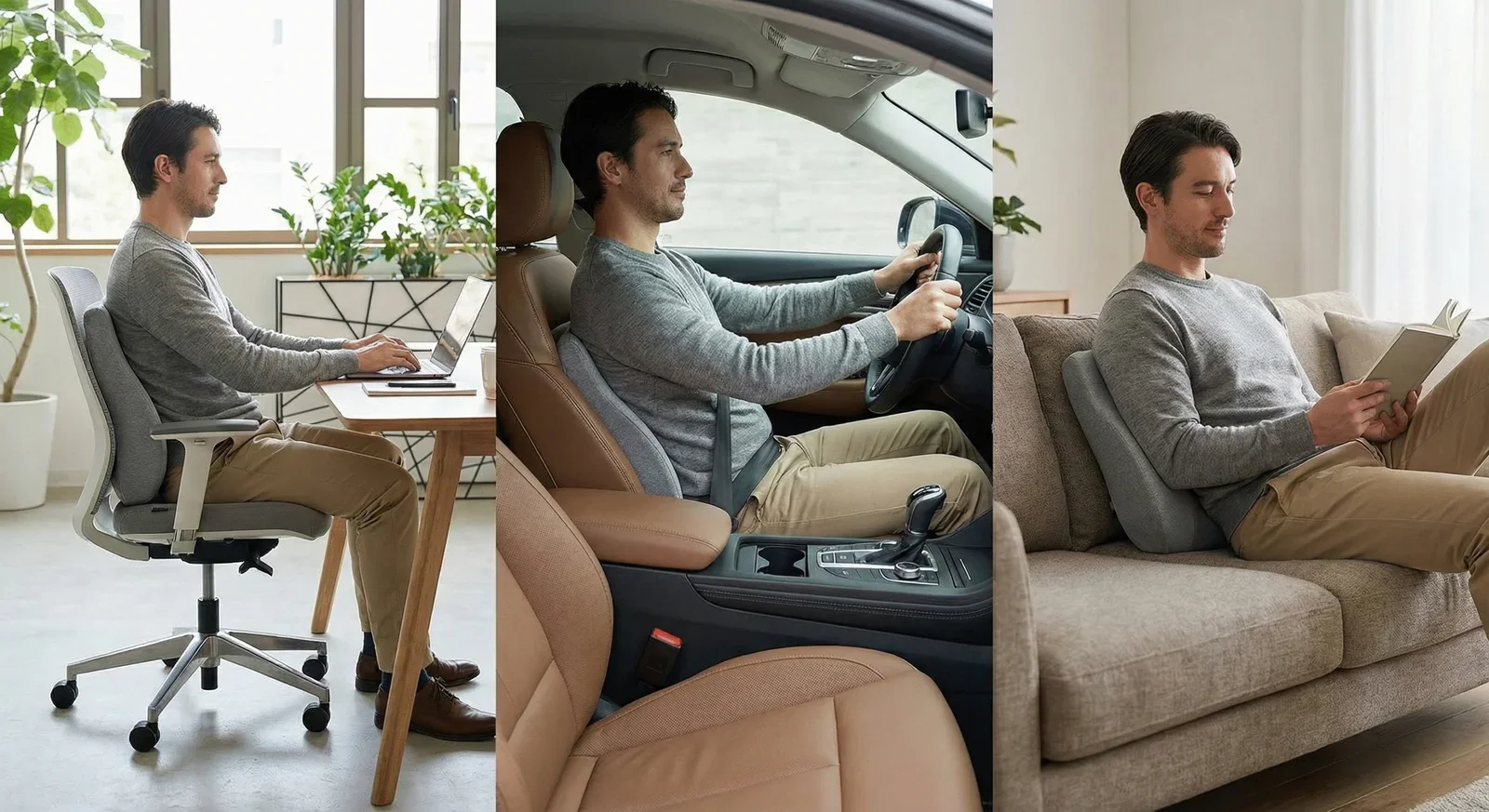
To get built-in lumbar support comparable to a good lumbar pillow, you’d need to spend $500-800+ on chairs like:
A $200 chair + $50 lumbar pillow gives you:
Adding a lumbar pillow to a budget chair:
Complete your setup: The LumbarPillow Orthopedic transforms any budget chair into an ergonomic workstation. Our AirFlex™ memory foam provides the substantial lumbar support that built-in chair features can’t match—at a fraction of the cost of upgrading to a premium chair.
Premium chairs ($500+) offer better materials, longer warranties, and more adjustability. Whether that’s “worth it” depends on your budget and how long you plan to use the chair. For most people, a $200-300 chair with added lumbar support provides 90% of the benefit at half the cost.
Quality budget chairs ($200-300) typically last 3-5 years with daily use. Premium chairs can last 10-15+ years. The math: a $250 chair lasting 4 years vs. a $1,000 chair lasting 10 years costs about the same per year—but you can upgrade sooner with the budget approach.
Testing in-store is ideal but often not possible with direct-to-consumer brands. Look for generous return policies (30+ days) that let you actually use the chair at your desk before committing. Most issues don’t appear in a 5-minute store test.
Optional. Headrests help if you recline while working or have neck issues. For standard upright work, they’re not essential. Make sure any headrest is adjustable—a fixed headrest at the wrong height is worse than none.
Great option. Used premium chairs often sell for $200-400 and offer excellent ergonomics. Check for wear on the seat cushion and mesh, and test all adjustments. Even used, you may want to add fresh lumbar support for optimal comfort.
Get premium support without the premium price.
Pair your budget chair with our orthopedic lumbar pillow. You’ll get better back support than most expensive chairs—and you can use it anywhere you sit.
30-Day Money-Back Guarantee | 2-Year Warranty | Free Shipping
Your glutes have forgotten how to work. It sounds strange,

Your hip flexors are the hidden culprits of desk-job back
Your back is stiff, tight, and angry. And you’ve got

That nagging pain at the base of your spine—right where

Sitting with a herniated disc can feel like torture. Every
Your desk chair is failing you. Even if you paid

That deep ache in your buttock that won’t quit? The

You’ve blamed your chair for years. And you’re probably right—but

Your back is aching right now, isn’t it? That dull
Is your lower back screaming at you by 3 PM?