

Gluteal Amnesia and Back Pain
Your glutes have forgotten how to work. It sounds strange,

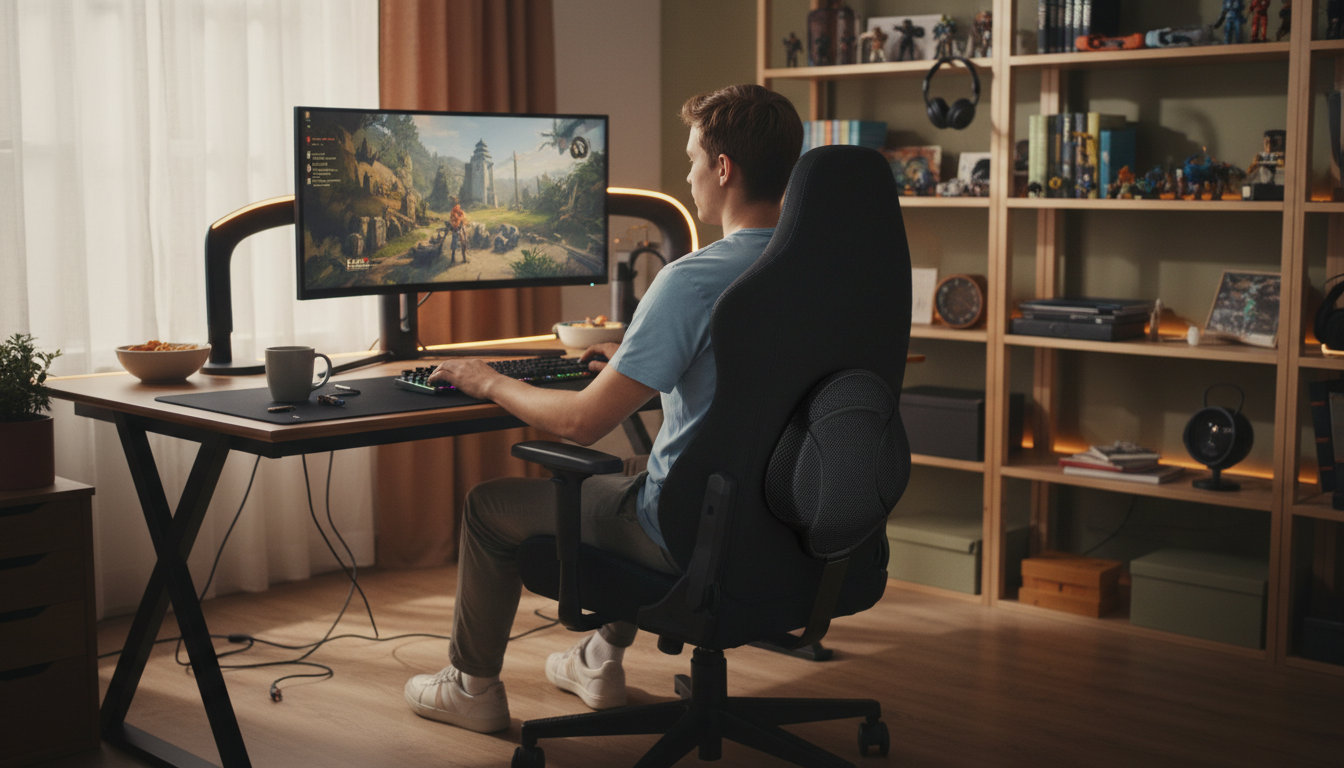
Your gaming chair’s included lumbar pillow is probably the weakest link in your setup.
📋 Table of Contents
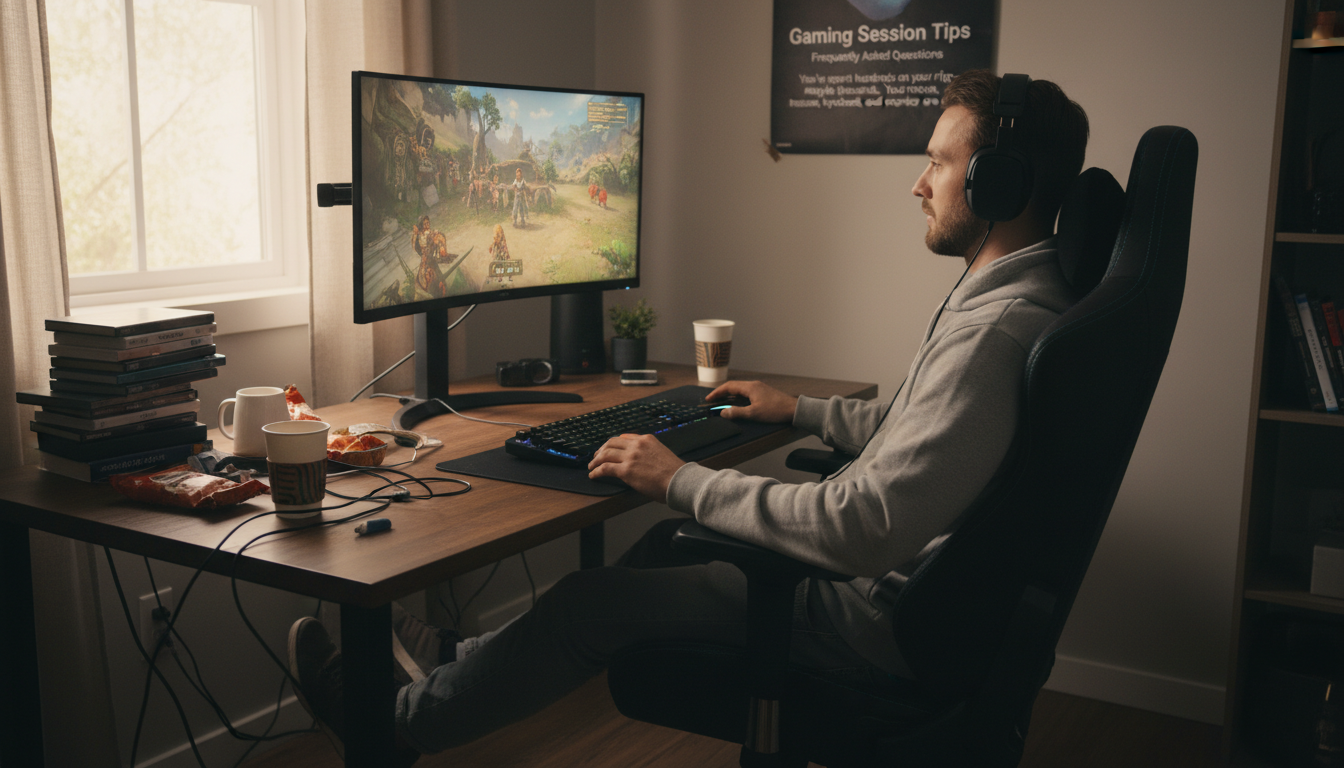
You’ve spent hundreds on your rig—maybe thousands. Your mouse, keyboard, headset, and monitor are all top-tier. But that small pillow that came with your gaming chair? It’s often an afterthought, made from cheap foam that flattens within weeks.
The result: marathon gaming sessions that leave your back aching. This guide shows you how to upgrade your lumbar support for pain-free gaming—whether you’re grinding ranked matches or enjoying a 100-hour RPG.
Gaming sessions are long—often much longer than typical office work:
The longer you sit, the more your posture degrades, your muscles fatigue, and your spine compresses. Without proper support, those hours add up to chronic pain.
Gaming posture differs from office work in specific ways:
Here’s the uncomfortable truth about gaming chairs:
Gaming chair marketing focuses on RGB lighting and brand partnerships, not spinal health. Your back deserves better.
The lumbar pillow that came with your gaming chair probably:
Replacing the stock pillow with a quality memory foam lumbar support provides:
💡 Gamer tip: The LumbarPillow Orthopedic uses AirFlex™ memory foam that maintains support through 8+ hour sessions. With adjustable straps that fit gaming chairs’ bucket-style backs, it stays in place no matter how intense the action gets.
For most gamers, a dedicated memory foam lumbar pillow is the best upgrade.
Why they work for gaming:
What to look for:
If you’re shopping for a new gaming chair, look for these ergonomic features:
Budget reality: Gaming chairs with good built-in lumbar cost $400+. Adding a quality lumbar pillow to a $200-300 chair often provides better support at lower total cost.
Full back cushions provide support from lumbar to mid-back.
Consider full back support if:
Downside: Full back cushions can feel bulky and may interfere with the headrest pillow many gaming chairs include.
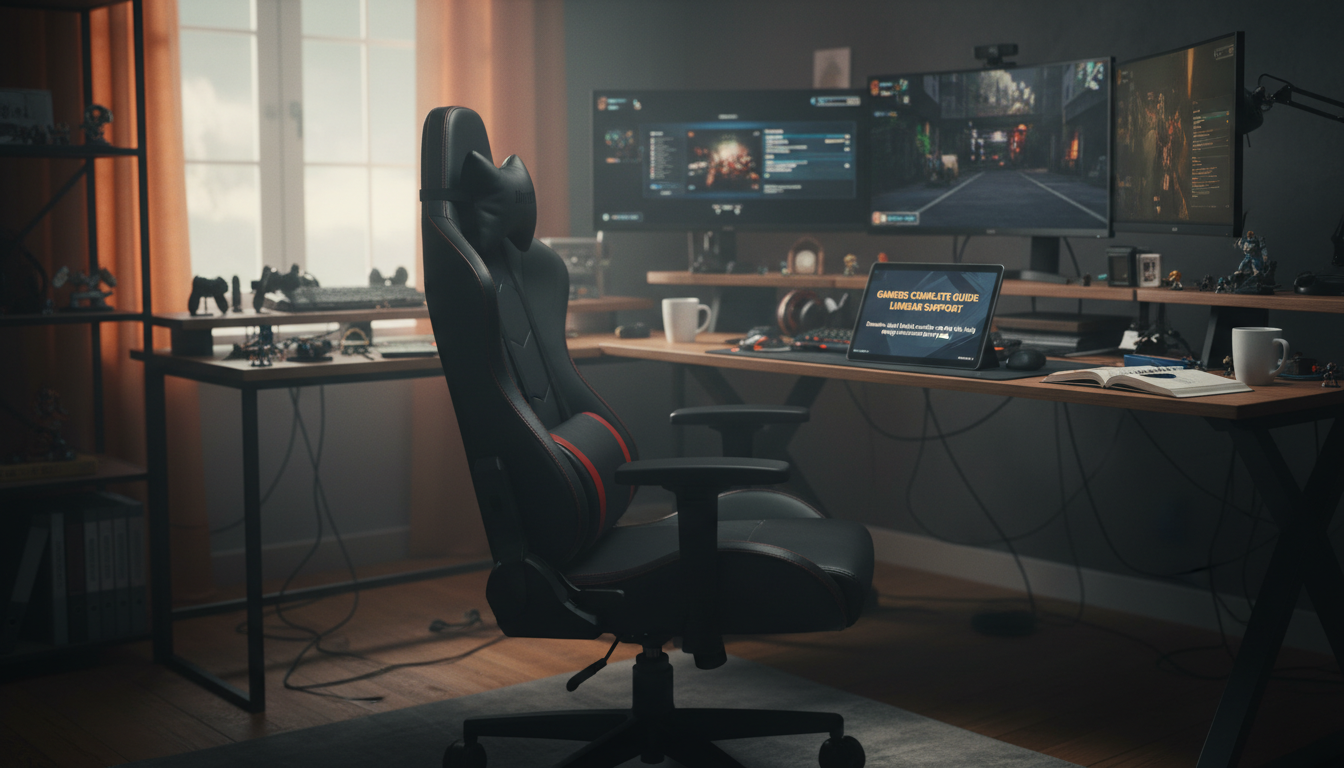
Lumbar support is just one piece of the ergonomic puzzle. Here’s the complete setup:
If your chair doesn’t lower enough, consider a footrest. If it doesn’t raise high enough, you may need a desk-height solution.
Most gaming desks are fixed at 29-30 inches, which works for average height users. Taller or shorter gamers may need adjustable desks or keyboard trays.
Multi-monitor setups: primary monitor directly in front at correct height, secondary monitors angled toward you at similar height.
Your body needs breaks—even if you’re “in the zone.”
The 60-90 minute rule:
Natural break points:
Quick stretches you can do without leaving your gaming area:
Usually not. Gaming chair manufacturers cut costs on the included lumbar pillow—it’s often low-density foam that flattens within weeks to months. If your chair is more than a few months old, the stock pillow has likely lost significant support. Upgrading to a quality memory foam pillow typically provides noticeably better support.
Yes—there’s no functional difference between lumbar pillows marketed for gaming vs. office use. What matters is foam density, contour design, and strap compatibility. A quality ergonomic lumbar pillow works equally well in gaming chairs and office chairs.
The key factors are:
If you’re still experiencing discomfort despite maximizing your chair’s built-in lumbar adjustment, a dedicated pillow provides more substantial support. Built-in lumbar systems often have limited range—a quality memory foam pillow offers more pronounced support. Try your chair at maximum lumbar first; if that’s not enough, add a pillow.
Streamers face extended sessions with added stress factors (viewer interaction, content creation). Proper lumbar support is especially important. Many streamers sit 6-8+ hours for a single stream. Investing in ergonomic support isn’t optional at those durations—it’s necessary for long-term health and sustainable streaming careers.
Standing desks can work for gaming, but many gamers find standing uncomfortable for competitive play (precision suffers when legs fatigue). A sit-stand setup works better: sit during intense matches, stand during casual play or breaks. When sitting, proper lumbar support is still essential.
Level up your comfort.
Your setup deserves the same attention to your back as your peripherals. Our AirFlex™ memory foam lumbar pillow maintains support through marathon sessions—so you can focus on the game, not your aching back.
30-Day Money-Back Guarantee | 2-Year Warranty | Works with Any Gaming Chair
Your glutes have forgotten how to work. It sounds strange,
Your hip flexors are the hidden culprits of desk-job back
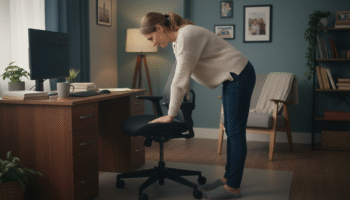
Your back is stiff, tight, and angry. And you’ve got

That nagging pain at the base of your spine—right where
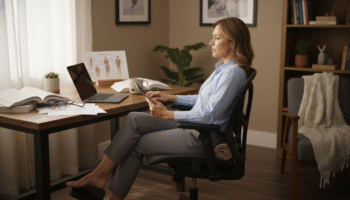
Sitting with a herniated disc can feel like torture. Every
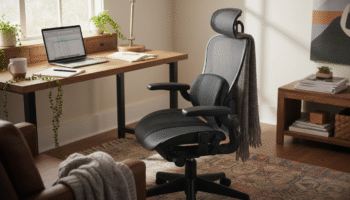
Your desk chair is failing you. Even if you paid

That deep ache in your buttock that won’t quit? The

You’ve blamed your chair for years. And you’re probably right—but
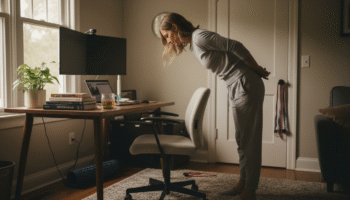
Your back is aching right now, isn’t it? That dull
Is your lower back screaming at you by 3 PM?